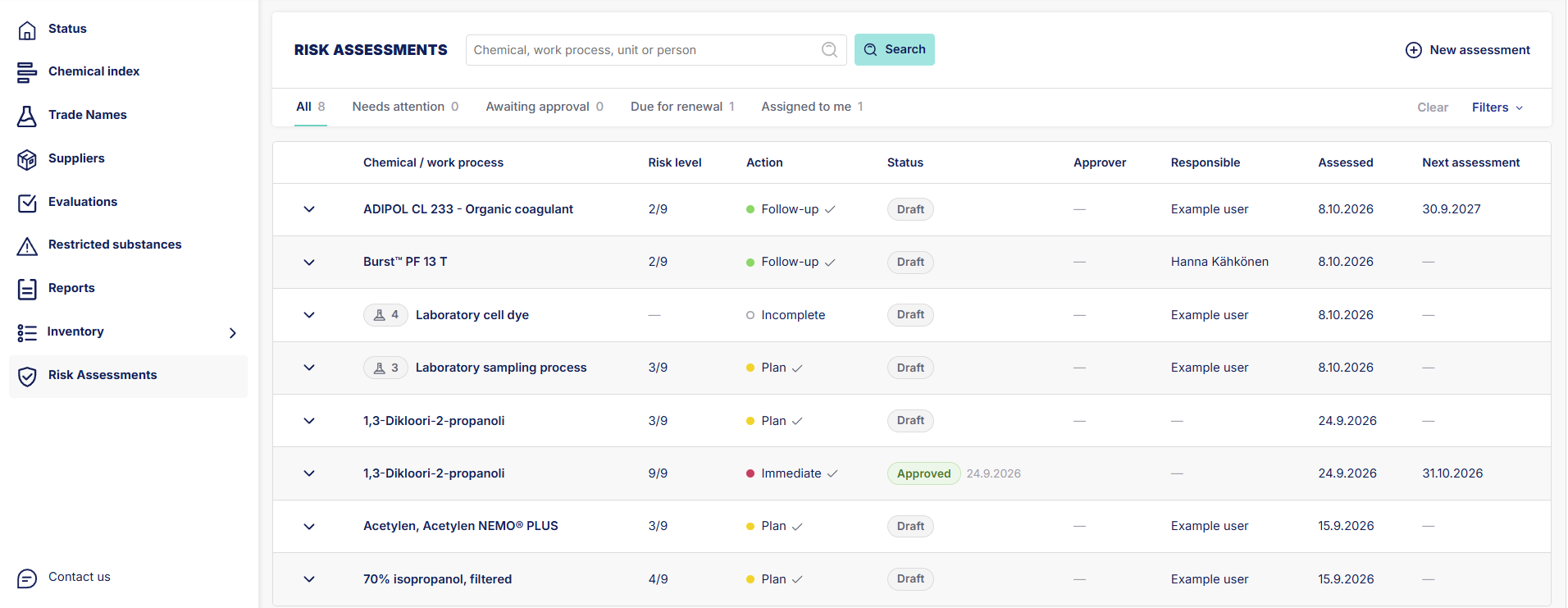
1. If no filters are enabled the list will show all risk assessments.
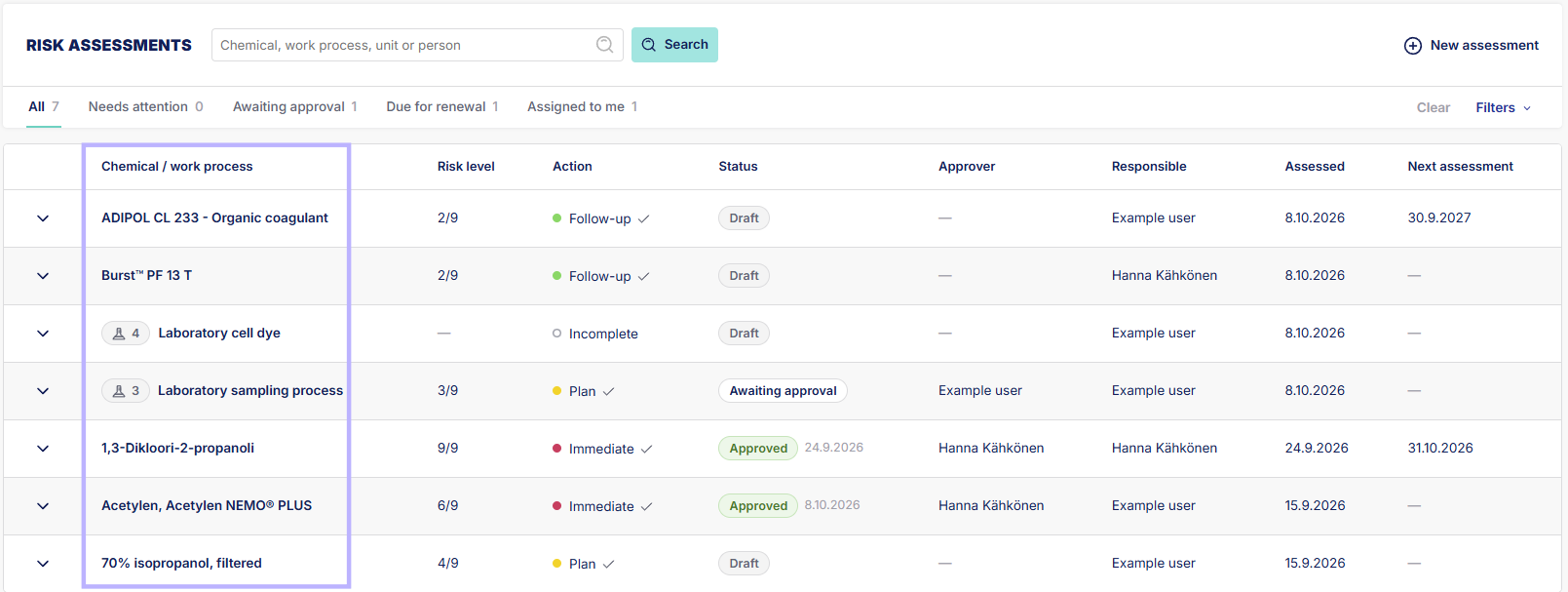
2. From this column you can see either the name of the assessed trade name or work process. Work processes include multiple chemicals.
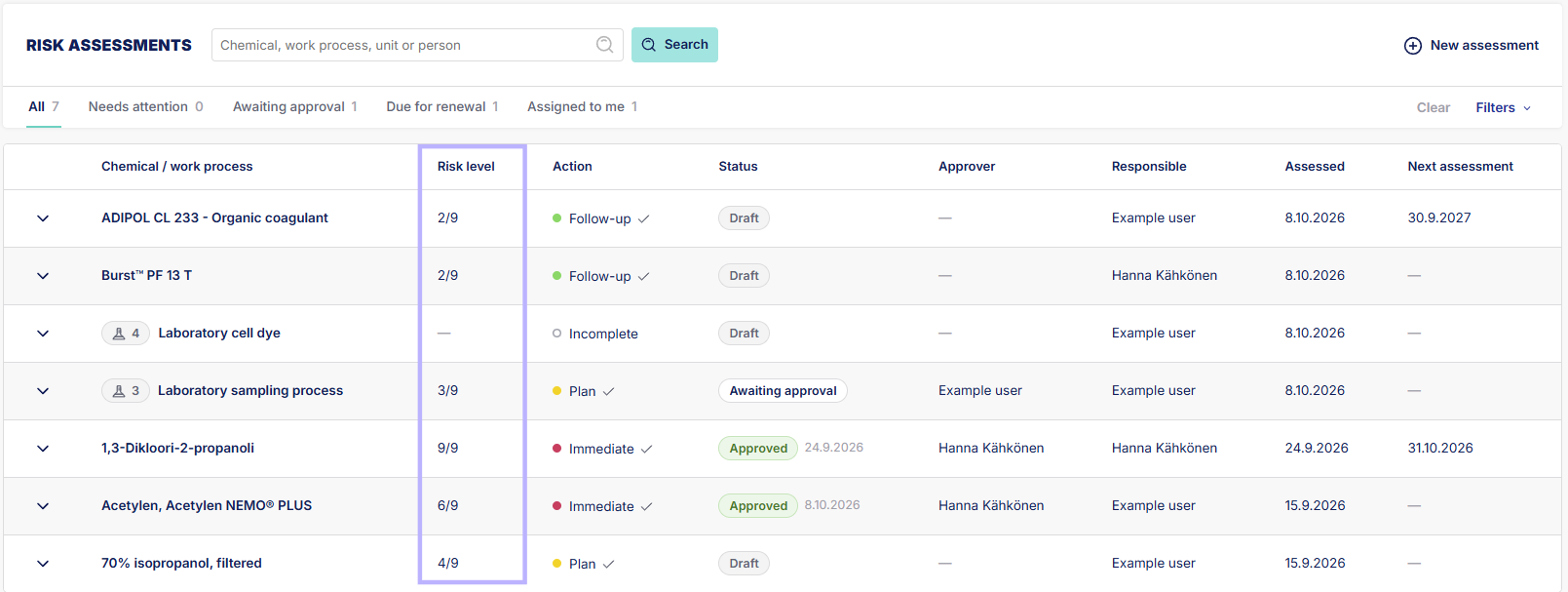
3. Risk level column shows the risk based on the assessment.
4. Action column shows what actions need to be taken based on the assessment. There is also a checkmark beside the action is all risk mitigations are implemented.
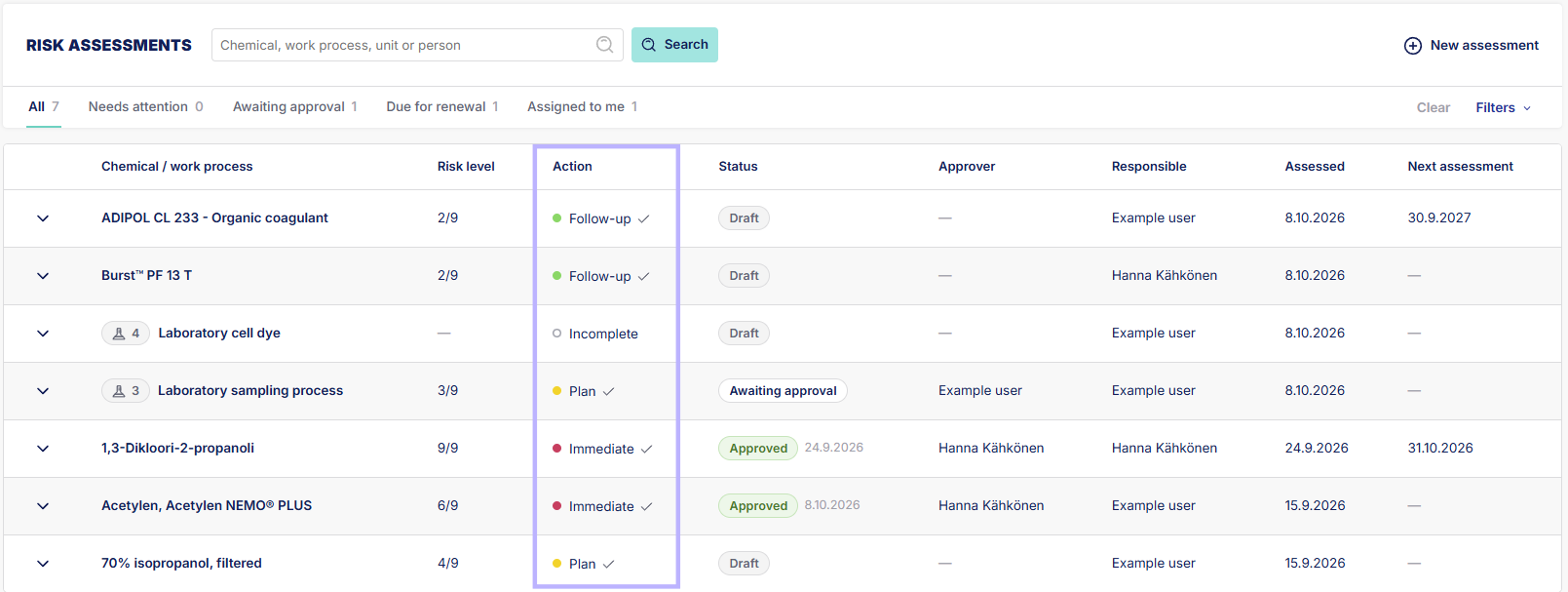
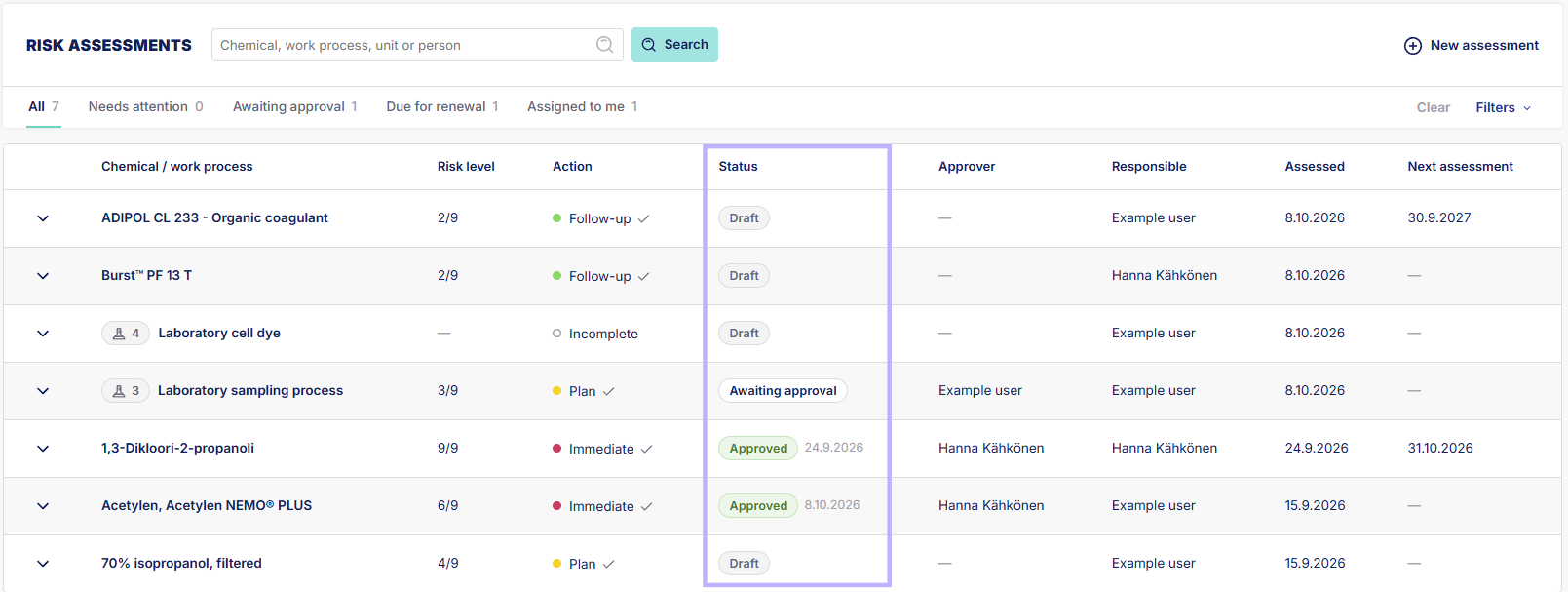
5. Status column shows the status of the assessment.
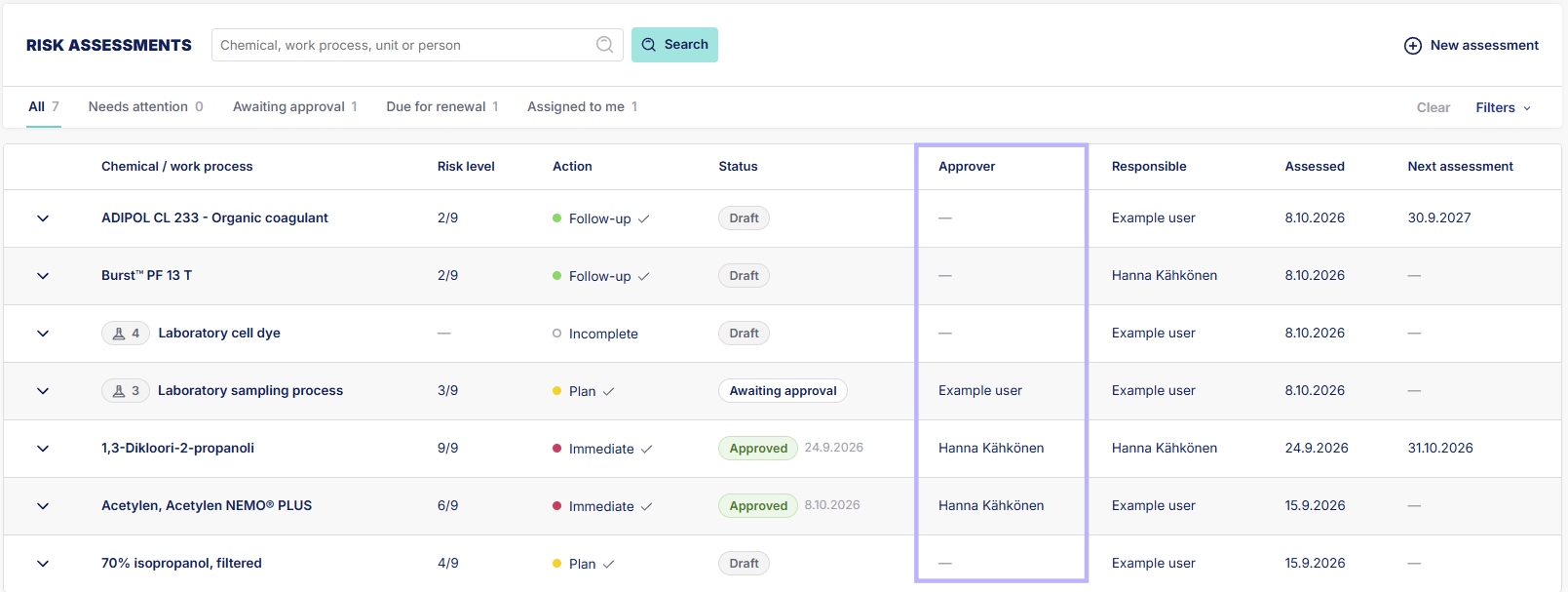
6. Approver show who the assessment was assigned to for approval.
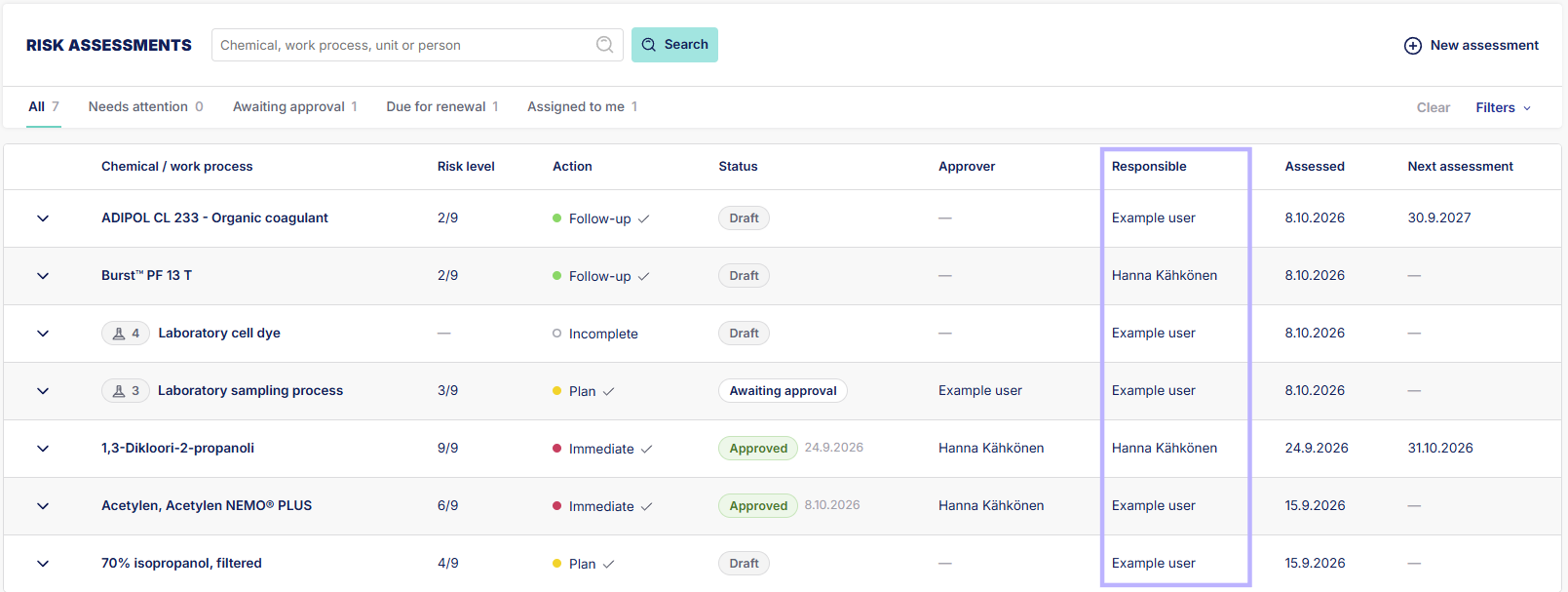
7. Reponsible column shows who made the assessment, there can be more that one responsible person per assessment.
8. Assessed column shows date of assessment.
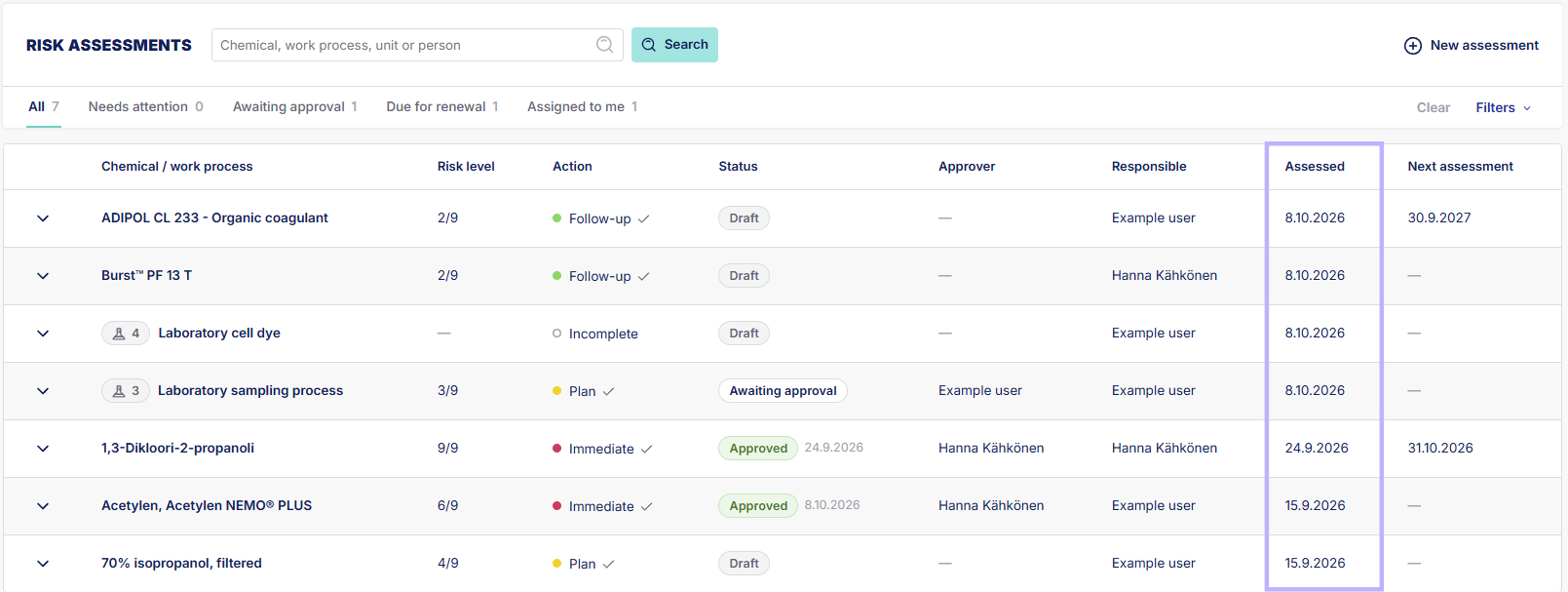
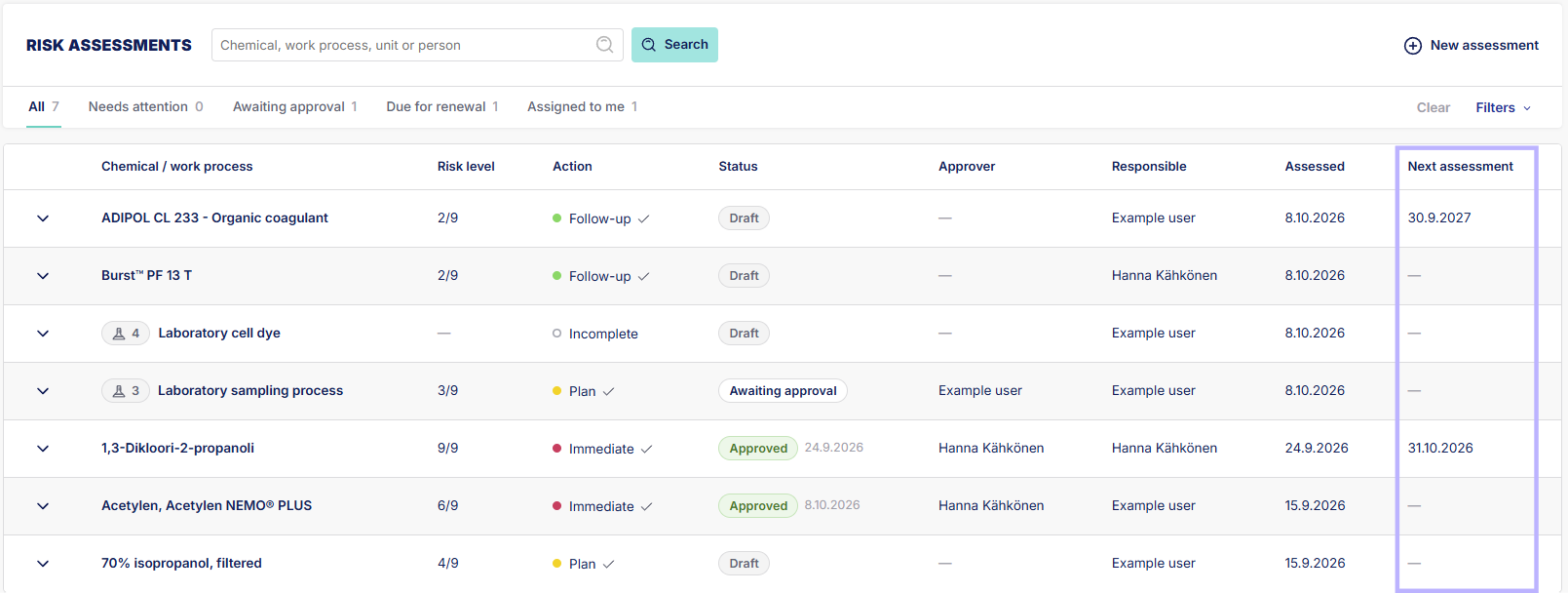
9. Next assessment column will show the date of the next assessment if one was chosen during the assessment.
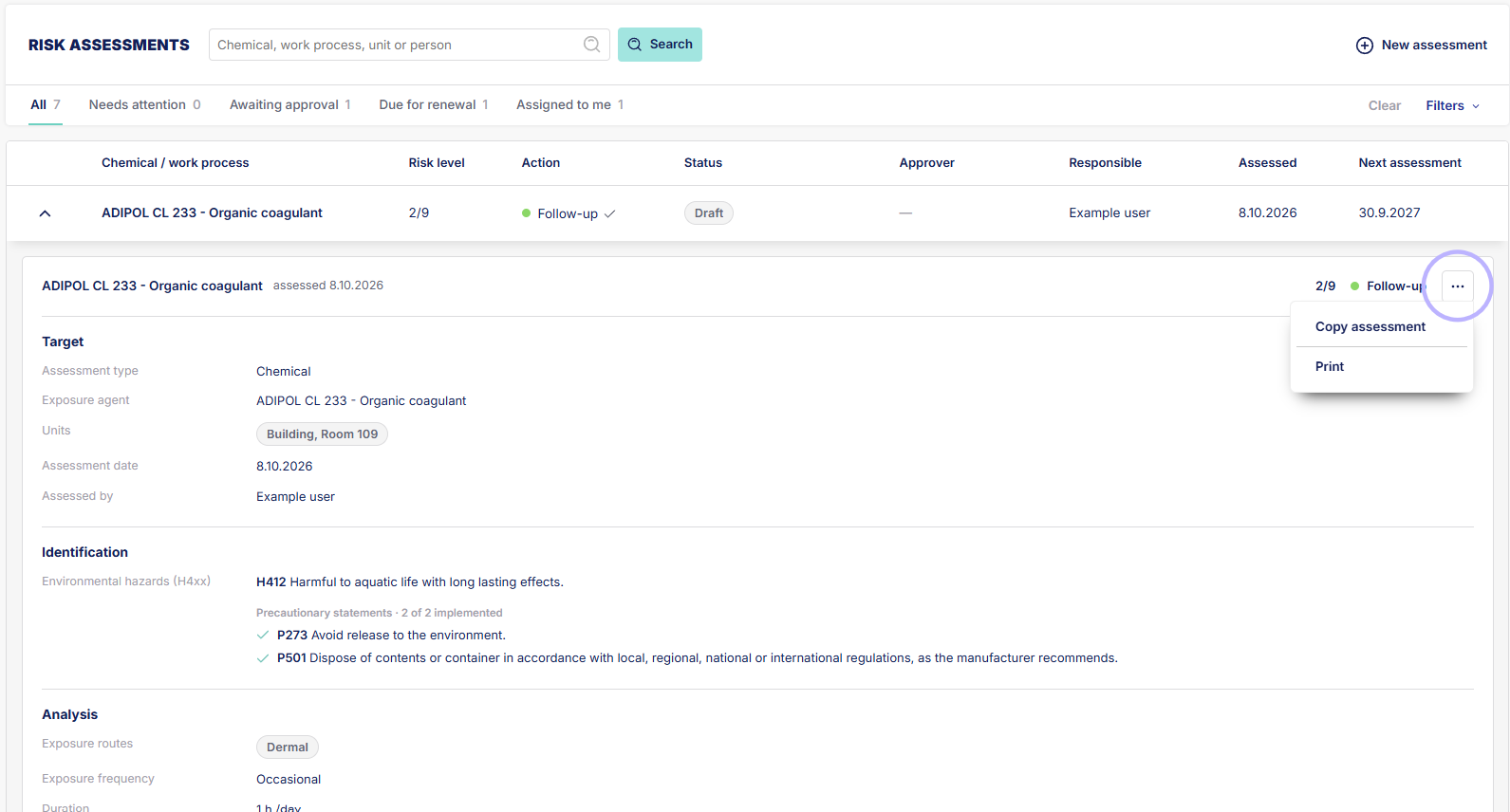
10. Show full assessment information by clicking on the arrow beside the assessment.
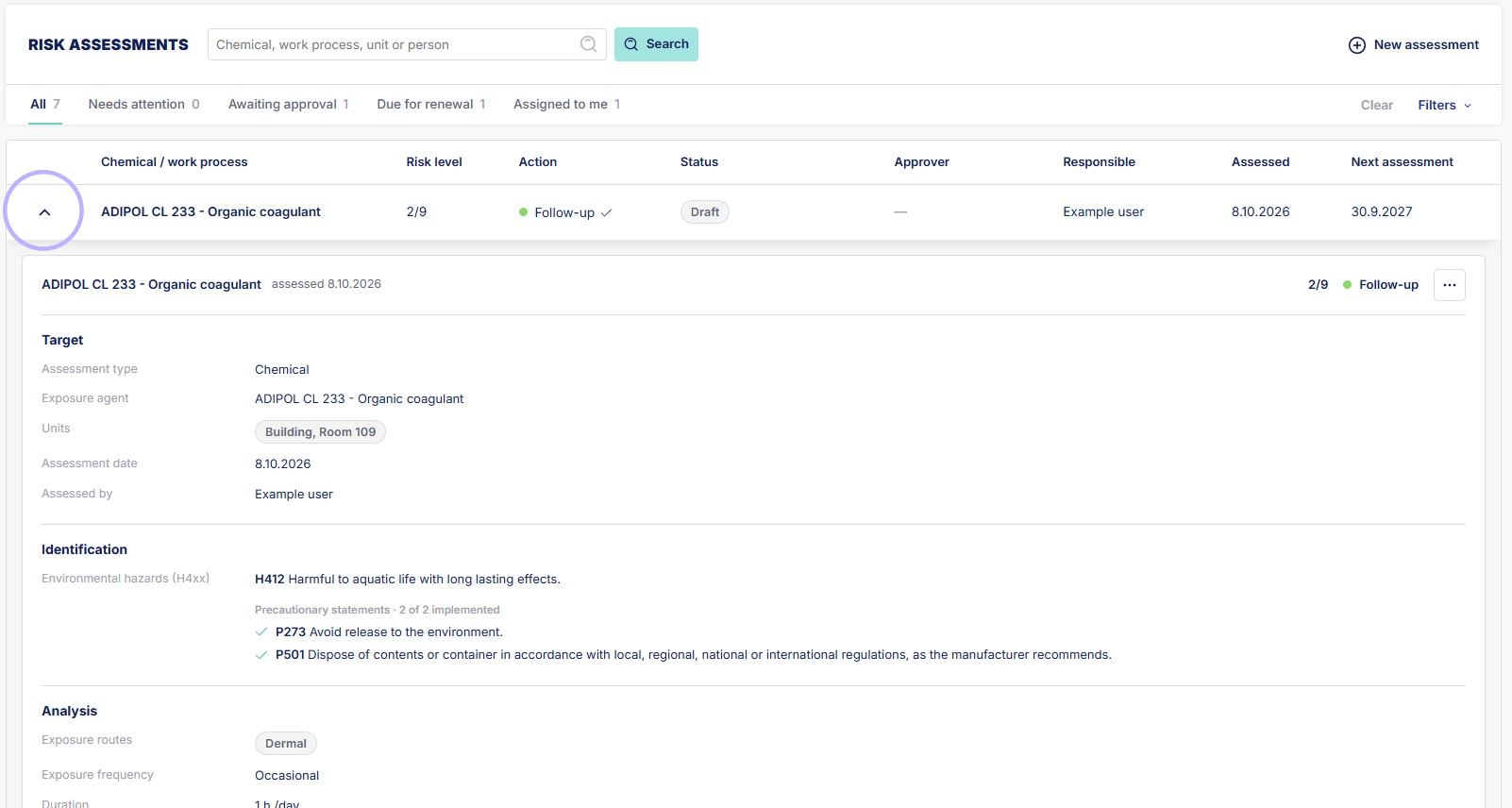
11. From here you can also copy the assessment and print it.