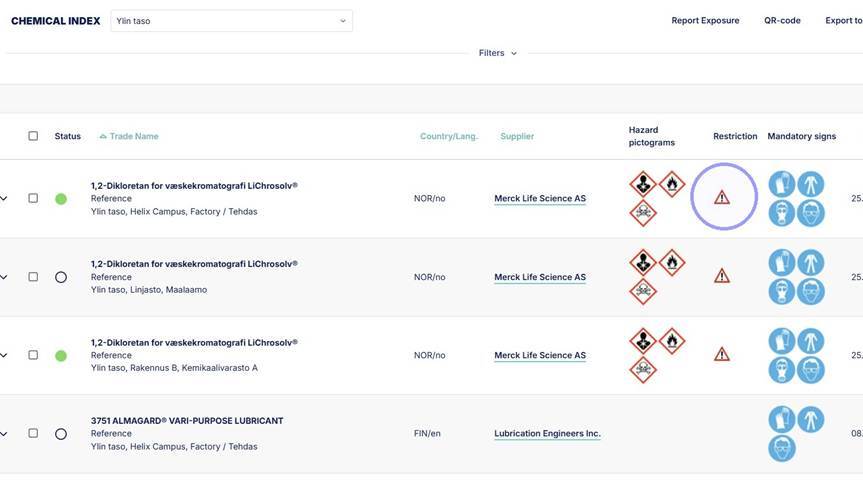
1. You can see if a trade name has a chemical restriction from the warning triangle in the restriction column.
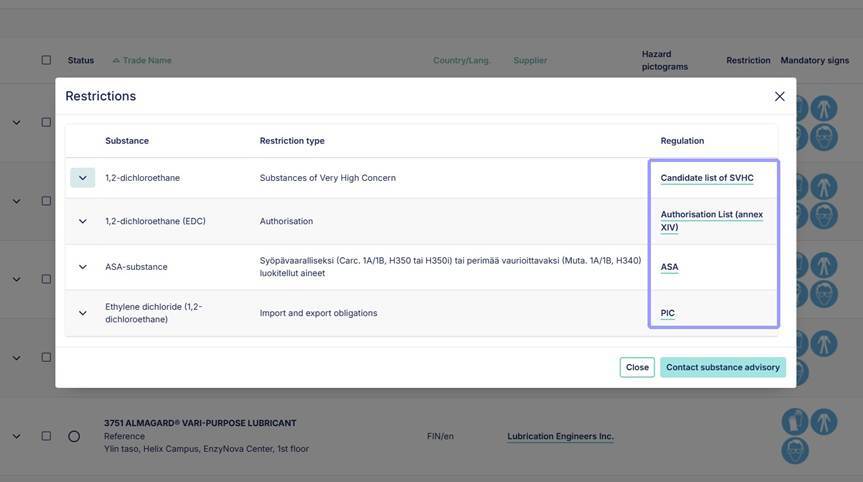
2. By clicking the warning triangle, you can open information showing which restrictions apply to the trade name. The link takes you directly to the regulatory details for the restriction.
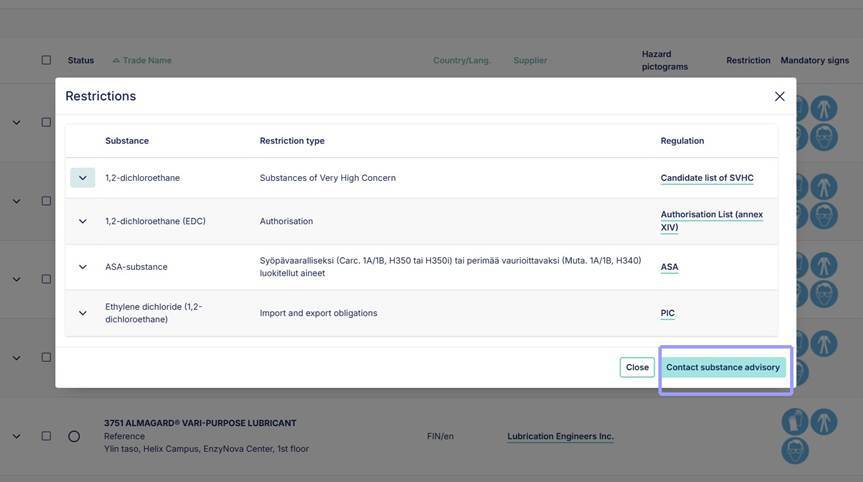
3. From the "contact substance advisory" you can get in touch with Ecobio Managers chemical teams with any questions or advice about the restriction.
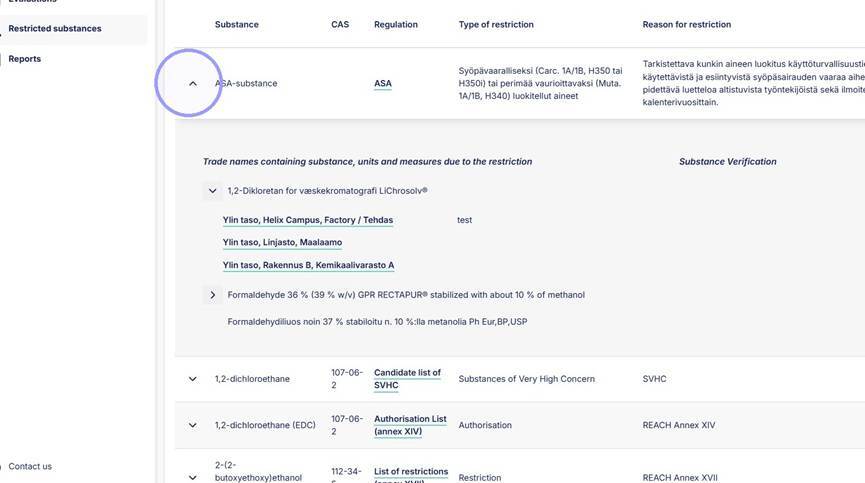
4. You can see all restricted substances in their own section.
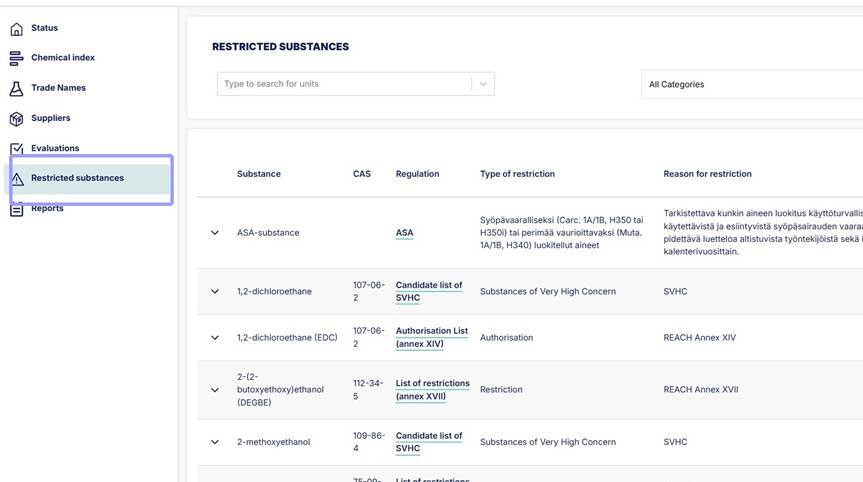
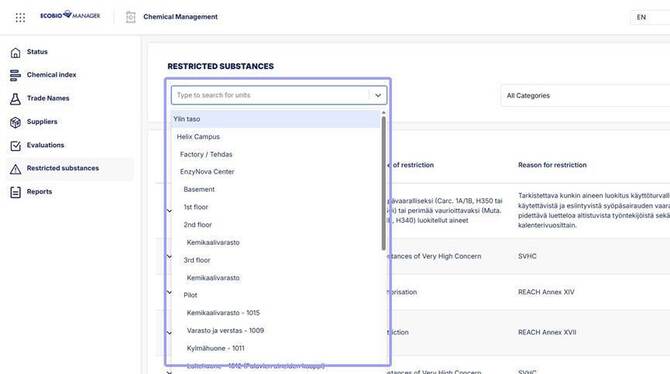
5. From restricted substances section you can: filter substances by unit.
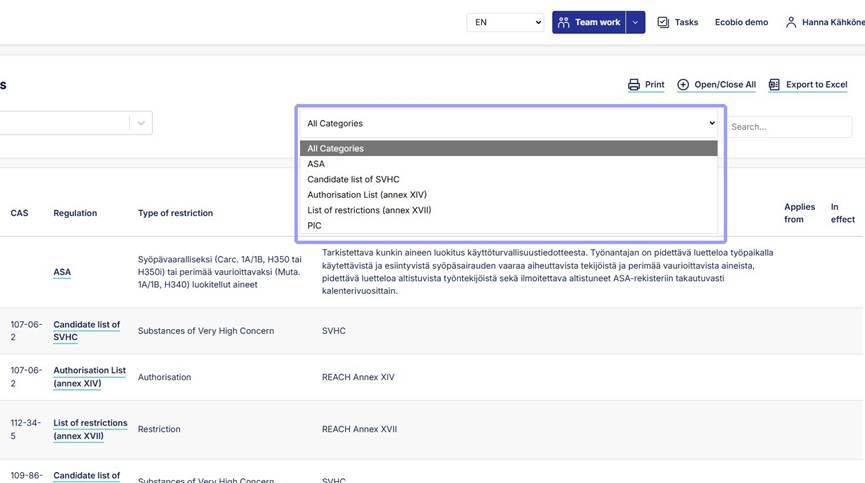
6. Filter by substance restriction.
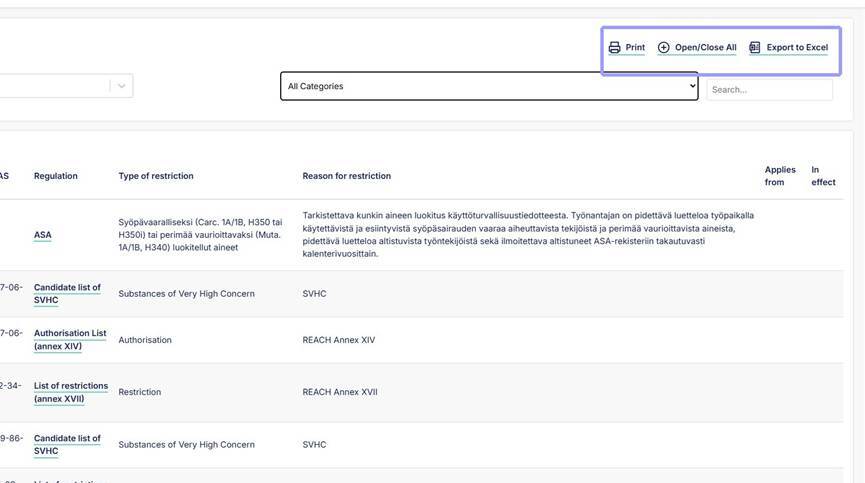
7. Print list of all restriction substances, open and close all restrictions and export to Excel from here.
8. See restricted chemical substances and their units by clicking the arrow. Open restricted chemical in the unit by clicking the links under the chemical name.