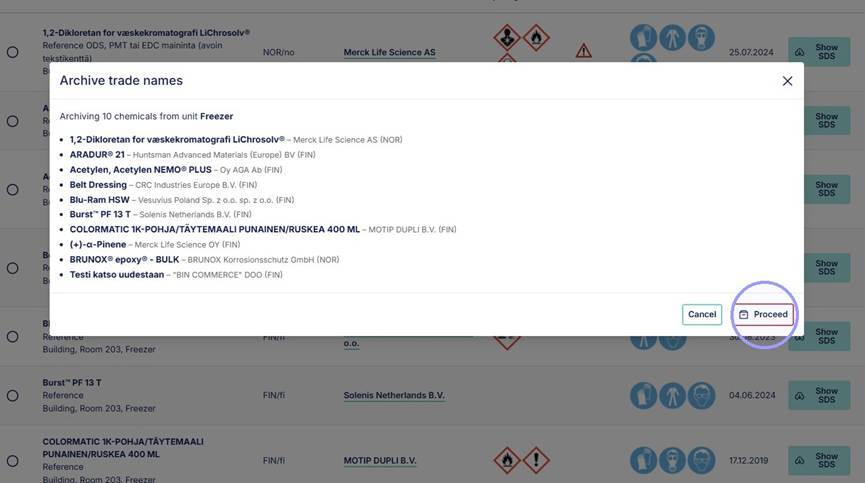
1. Mass selection tool in chemical index: copy to unit & archive
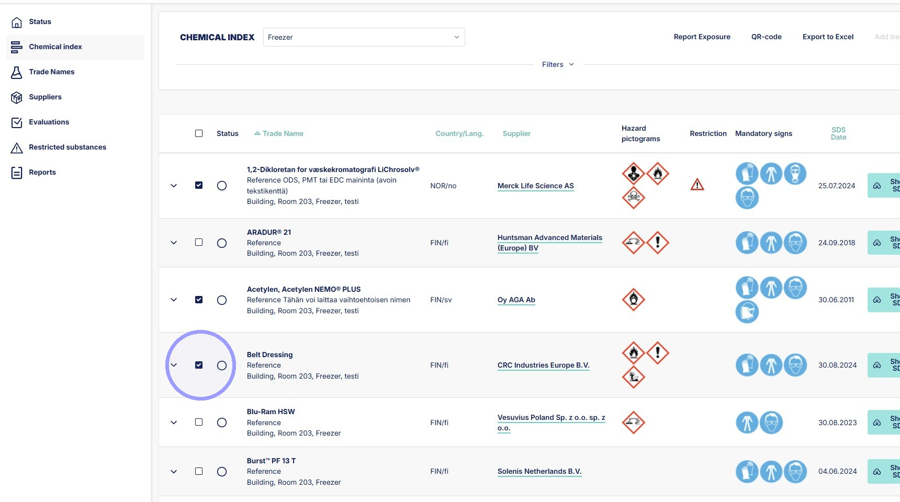
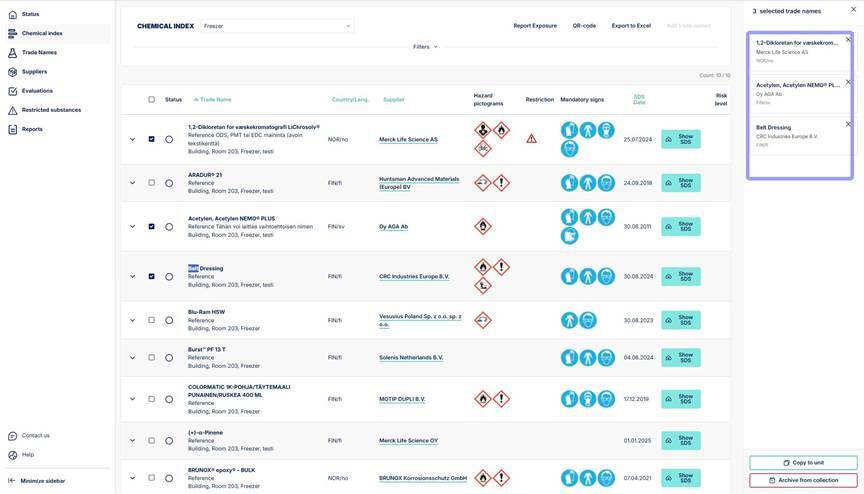
2. Selected trade names will appear on the right-side panel.
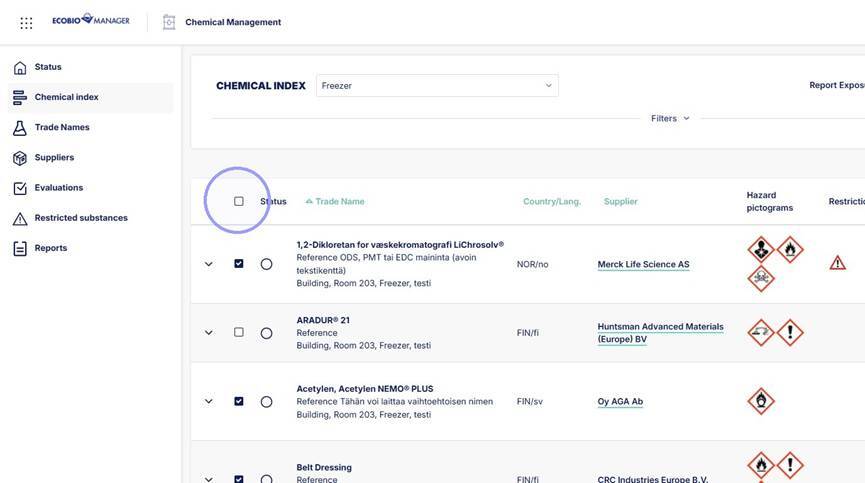
3. You can also select all trade names in selected unit by clicking here.
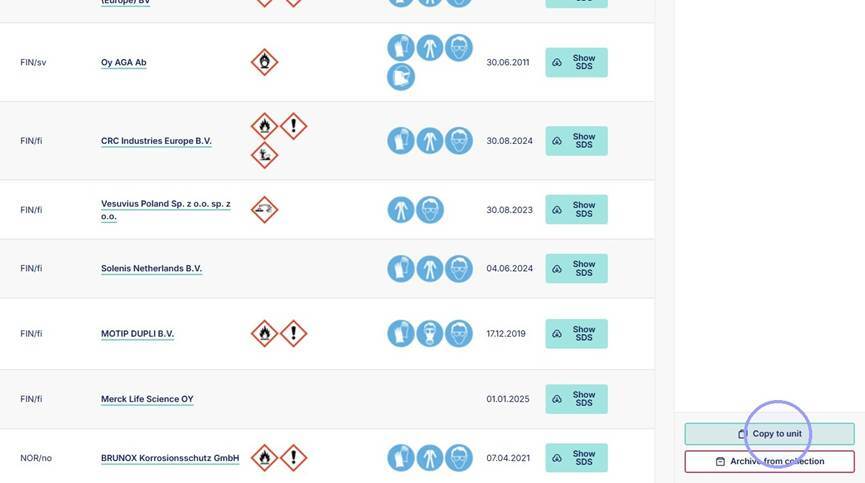
4. Copy selected trade names to an other unit by clicking "Copy to unit".
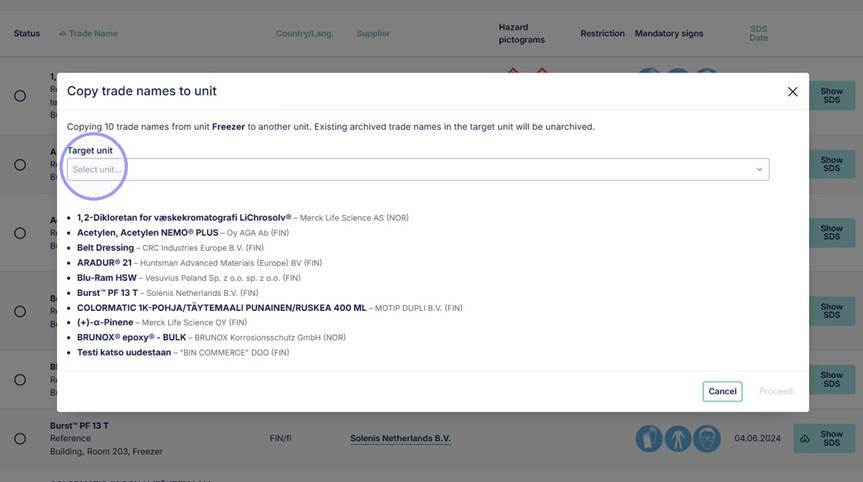
5. From the module, select the unit you want to copy the trade names to. All selected trade names are shown in the list below.
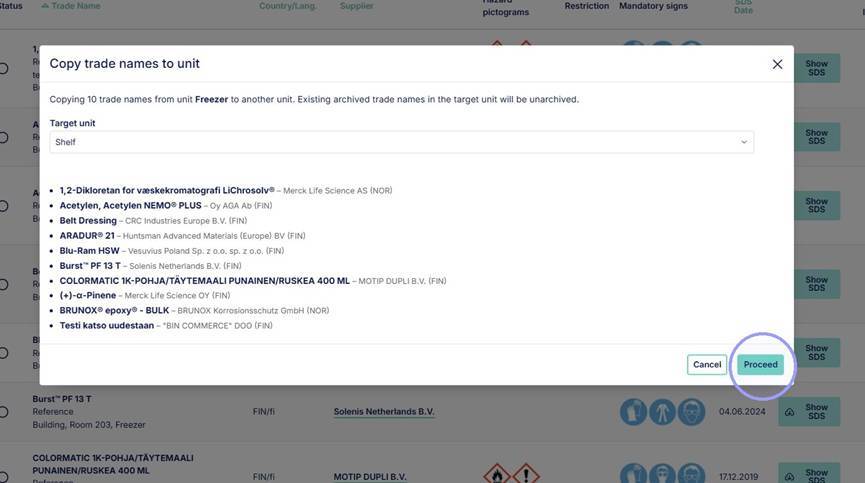
6. Once you have selected your unit, click proceed. Trade names are now copied to the target unit.
7. You can archive selected chemicals from chemical index by selecting "Archive from collection". Archived trade names can still be found in the Trade names section where you can attach them back to the unit if needed.
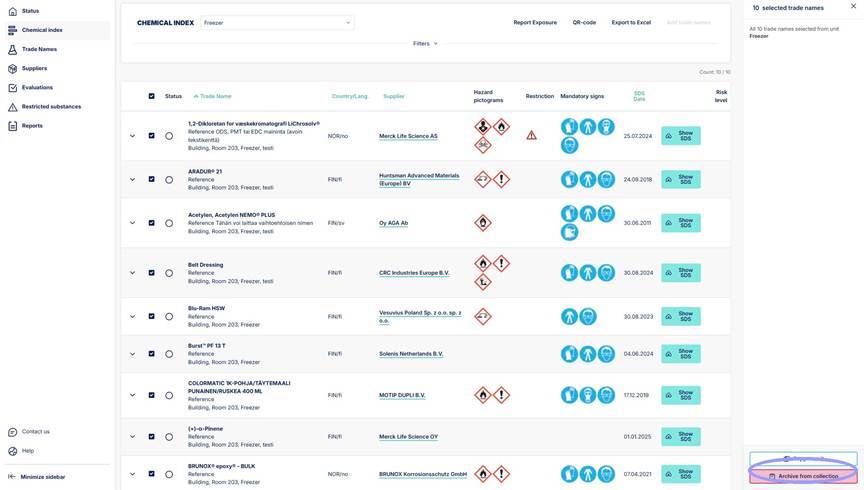
8. Before archiving verify that you want to archive all listed trade names from the unit and then proceed. Trade names are now archived.