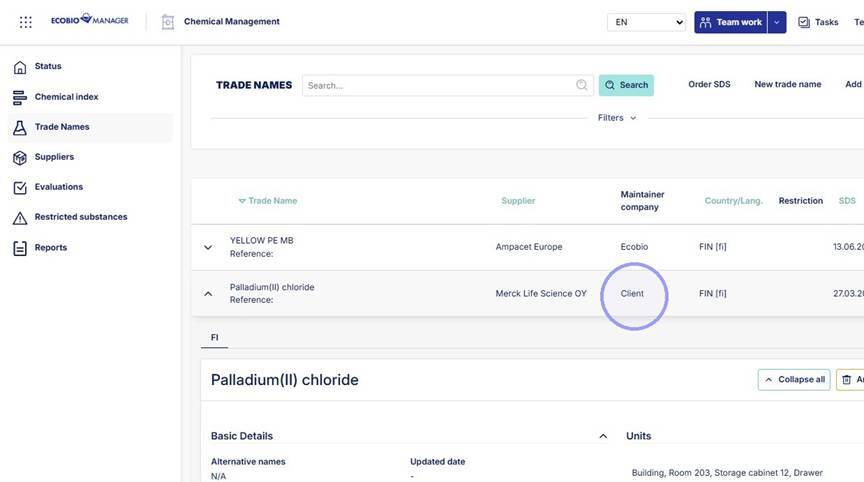
1. Start updating from Trade Names section. There you can search for the trade name to be updated. Trade name can be updated by client if "Maintainer company" is not Ecobio.
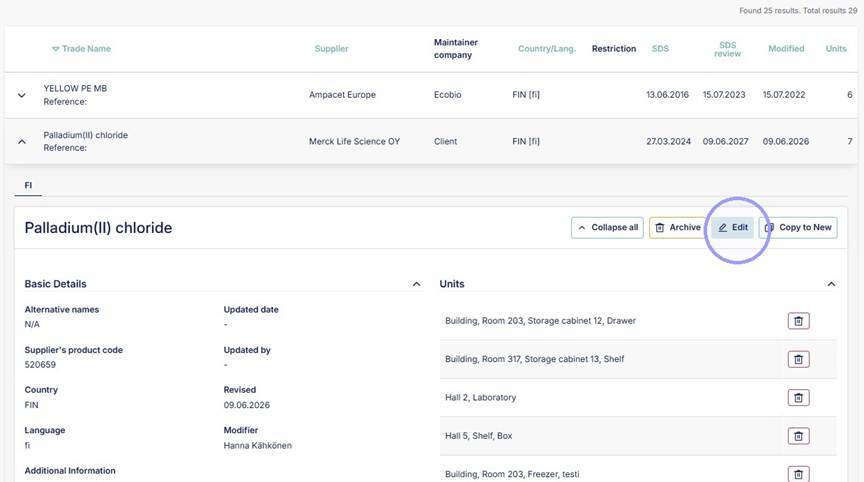
2. To start updating click "Edit".
3. Click "Update" in the opening view.
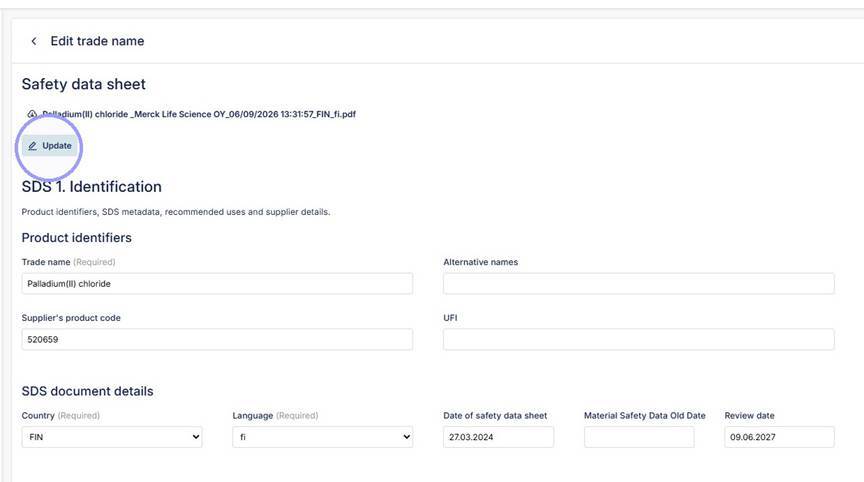
4. Add new SDS file here.
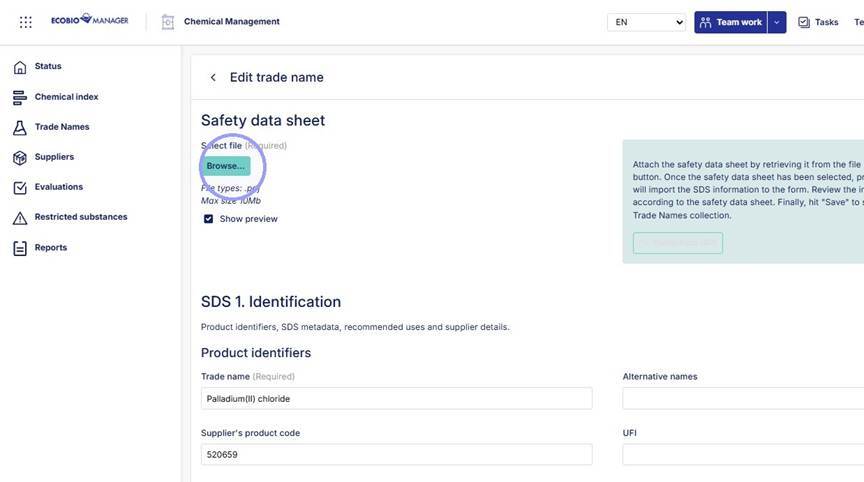
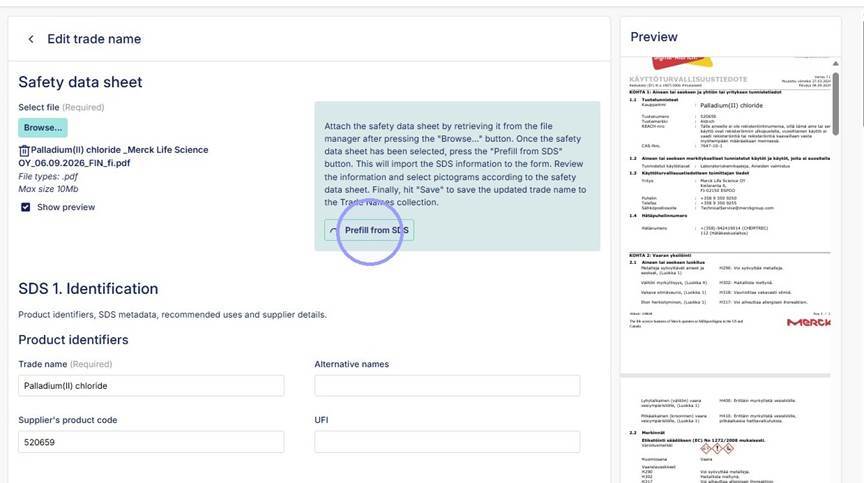
5. Click "Prefill from SDS" to update information from the SDS with AI tool or update SDS information manually.
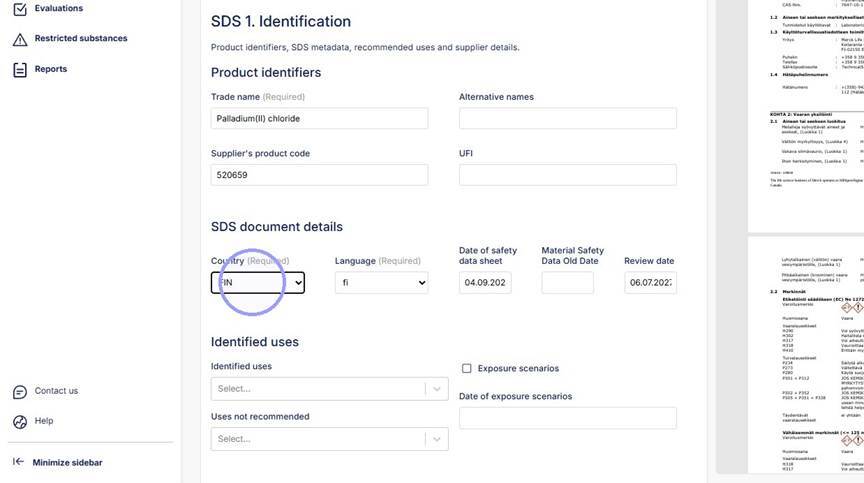
6. Fill all information not added by AI tool (language, identified uses, hazard pictograms, signal word and mandatory signs).
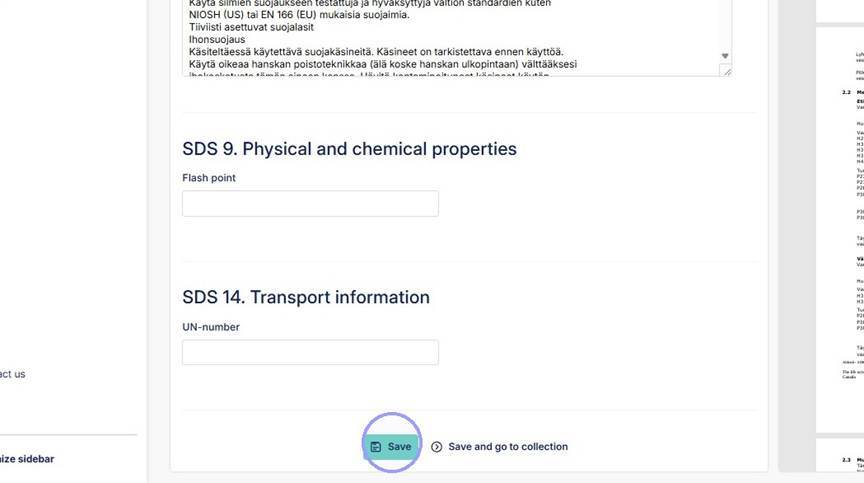
7. Click "Save" after verifying all the updated SDS details.
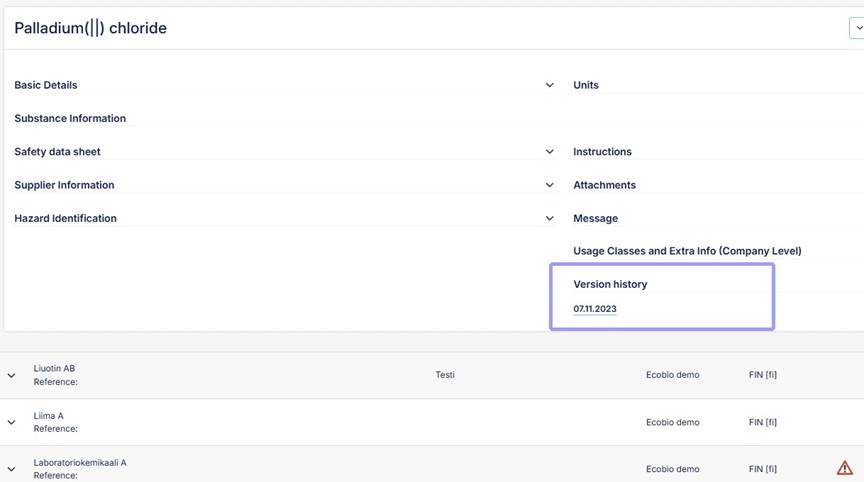
8. Previous versions of the chemical can be found and accessed in the version history.