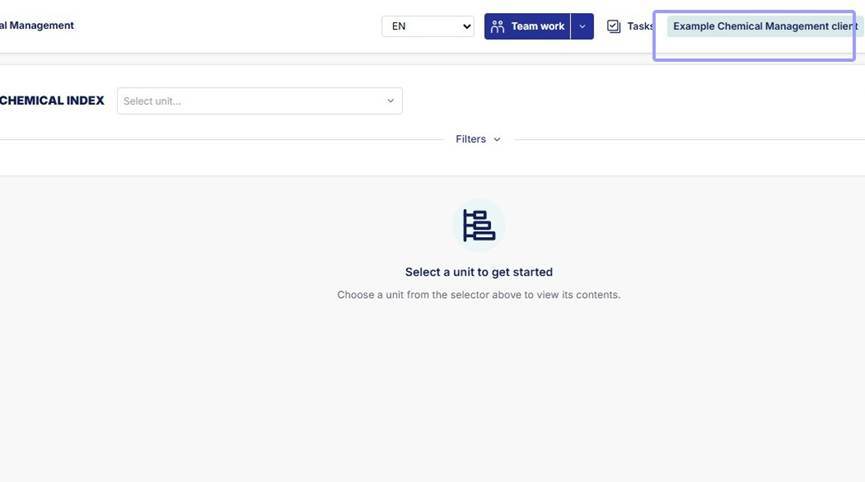
1. Click on your company name to open company settings and management.
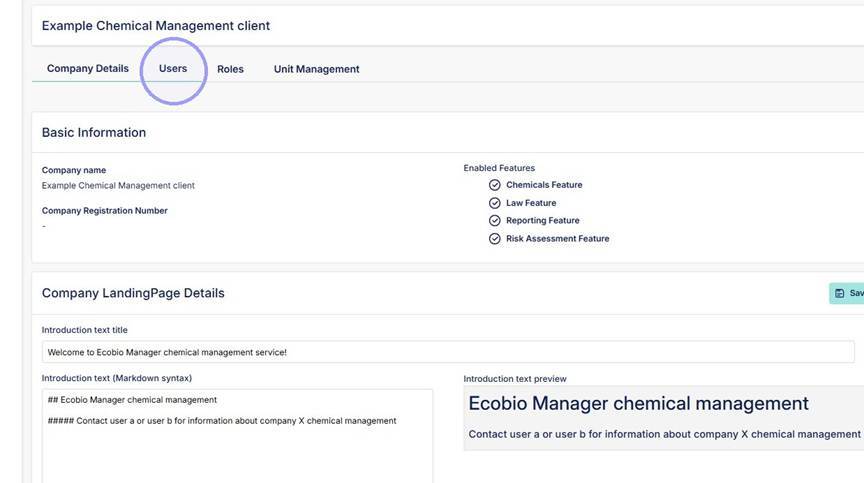
2. Click "Users to open User management section.
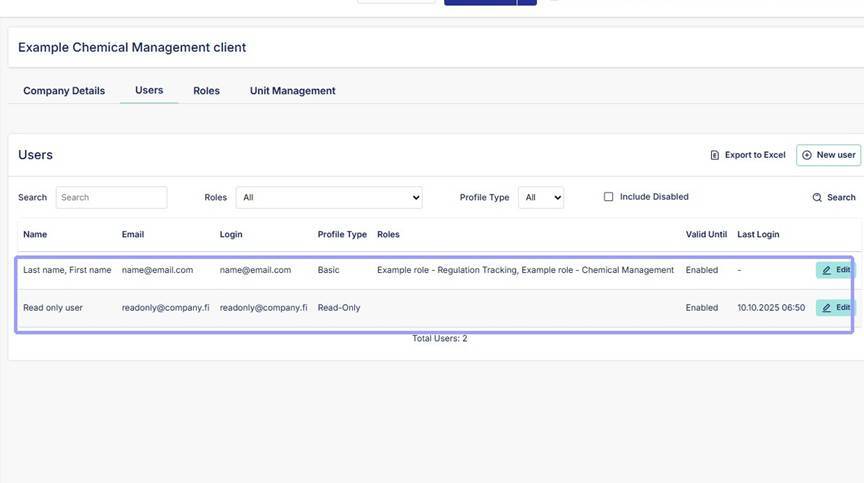
3. See all active user accounts listed here.
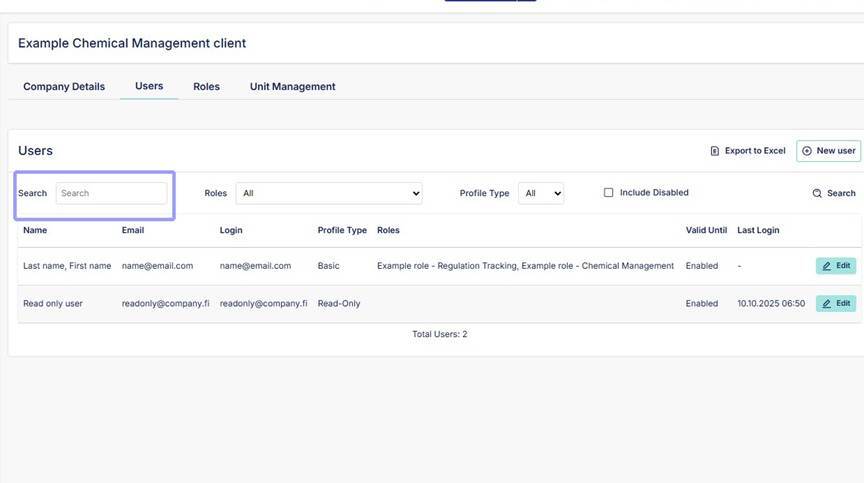
4. Click the "Search" field to search user by name or email address.
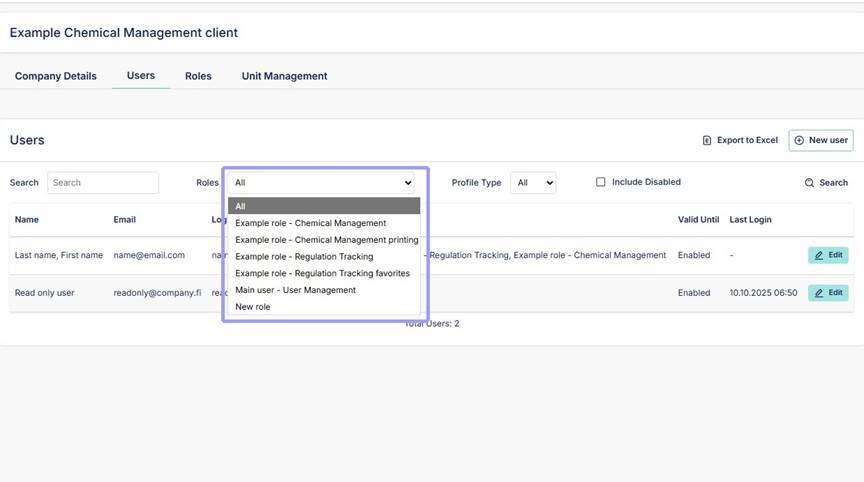
5. Filter users based on companys own role permissions. Roles can be accessed from the "Roles" section next to "Users". Click search.
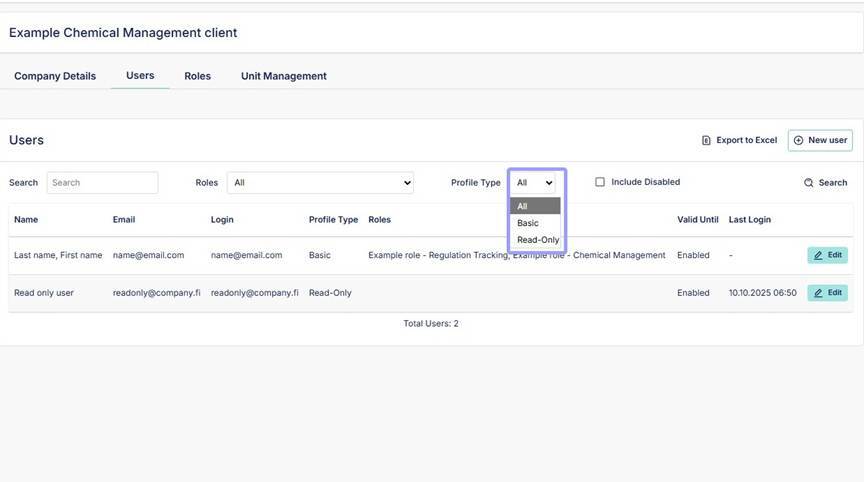
6. Filter users based on if they are admin users with editing rights (Basic) or read only users (Read-Only). Click search.
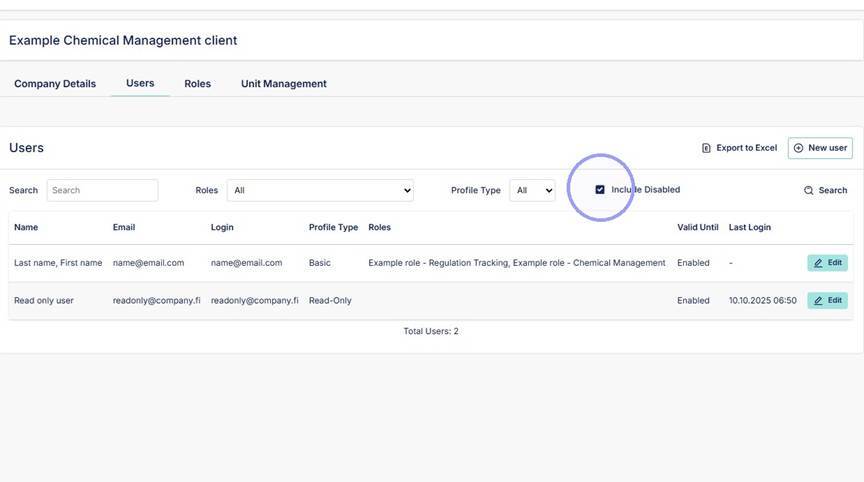
7. To search for old disabled profiles, activate this box "Include Disabled" and click search.
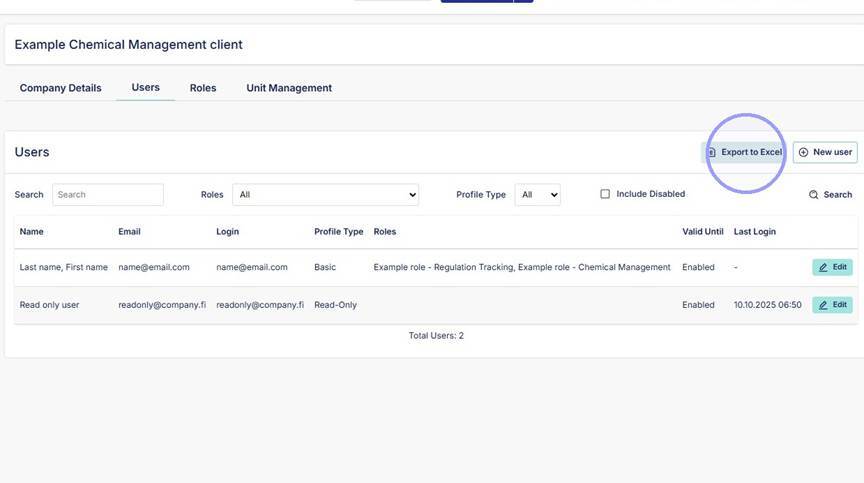
8. To export list of users to Excel, click here.