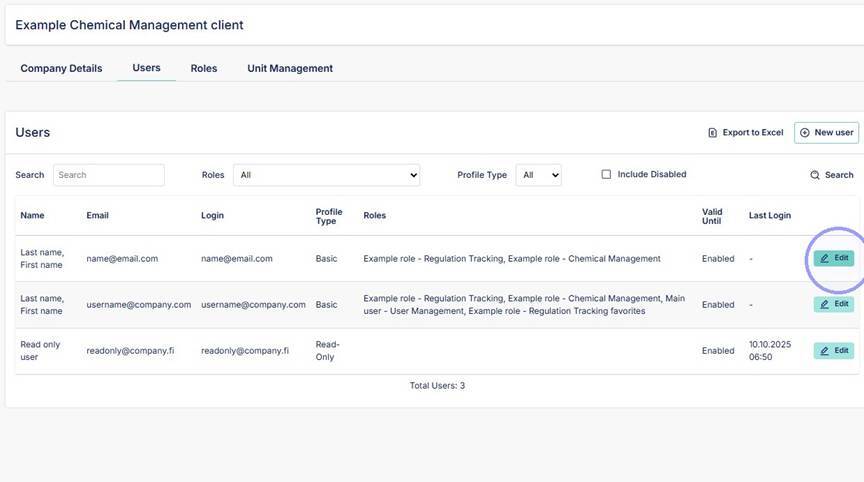
1. Click "Edit" on the account you want to remove/disable.
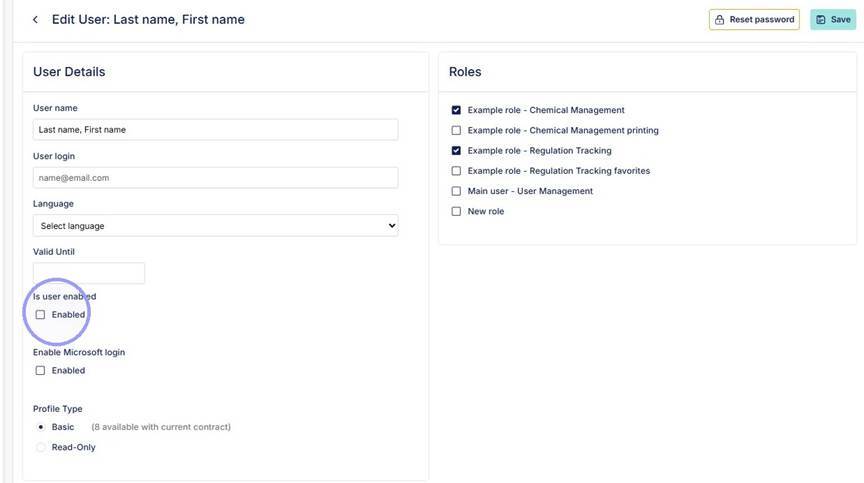
2. If you want to immediately disable user account unselect "Enabled" box and save account. Account is now disabled.
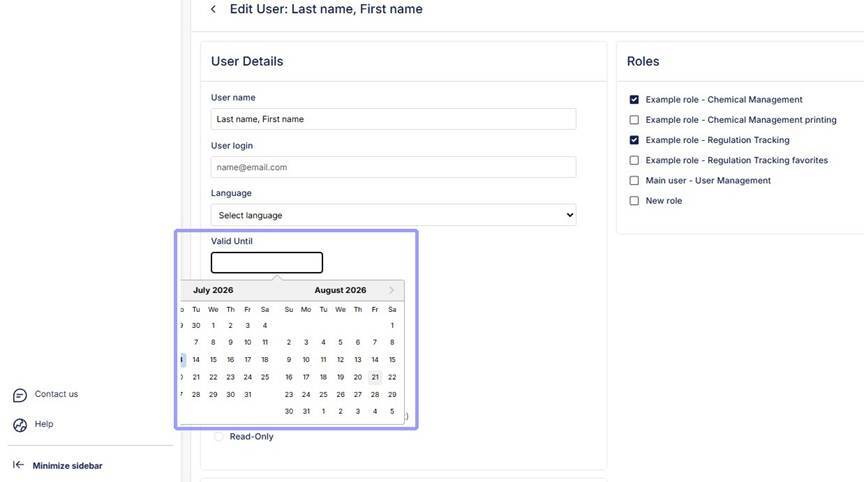
3. If you want the account to be active until certain date, set the date in to "Valid Until" field. User account will be active until the date, after which it will be disabled. In this case it is not necessary to remove selection from "Is user enabled". Save account.