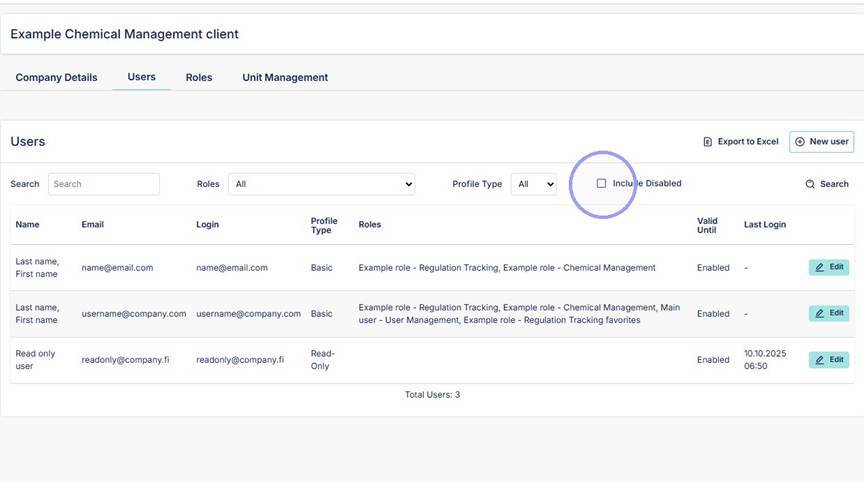
1. From "Users" section select "Include Disabled".
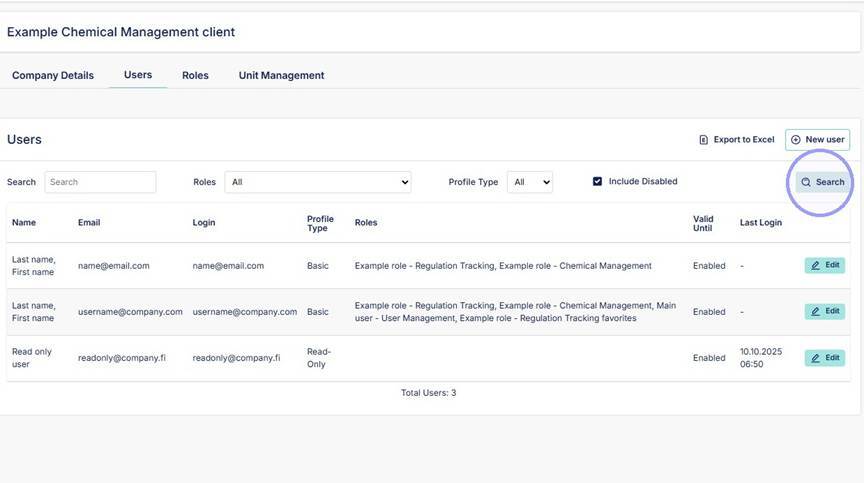
2. Then click "Search" to see list of disabled user accounts.
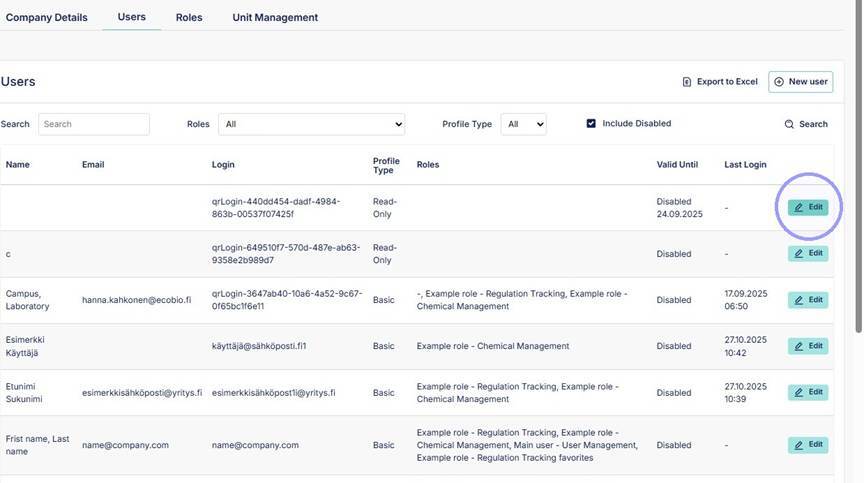
3. Click "Edit" on a disabled account. You can see if account is disabled from the "Valid Until" column.
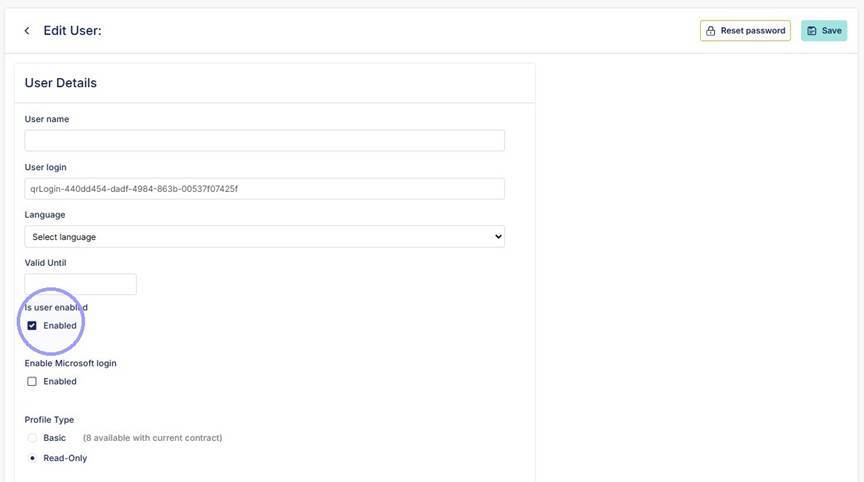
4. If in the account details "Valid Until" is set, remove the date from this field. Ensure that "is user enabled" is selected. After this you can save the account and it will be active again. Send new password is necessary from "Reset password".
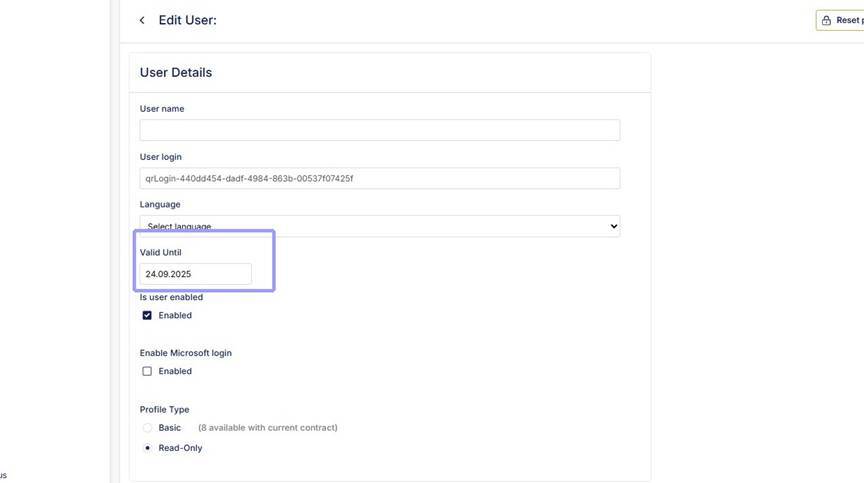
5. If "Valid Until" is empty, enable account by selecting the "Is user enabled" and save account. Send new password is necessary from "Reset password".