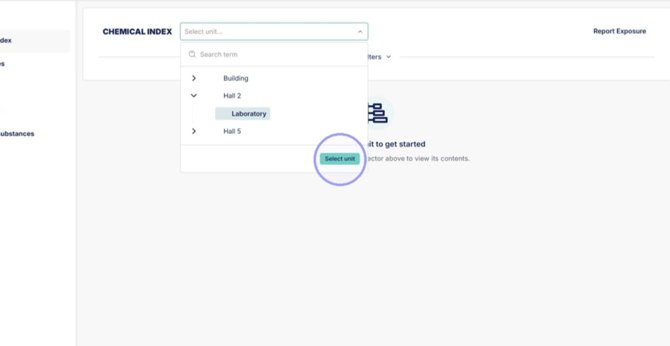
1. Click "Select unit..." from Chemical index to open list of units and choose the unit you want to create QR code list of.
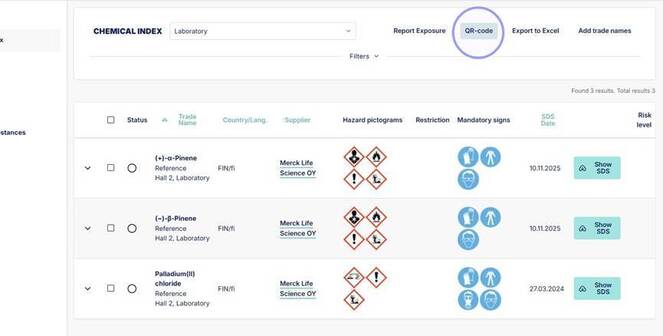
2. From open chemical list you can create a list of QR codes for all chemicals in the unit by clicking "QR-code" in the upper corner.
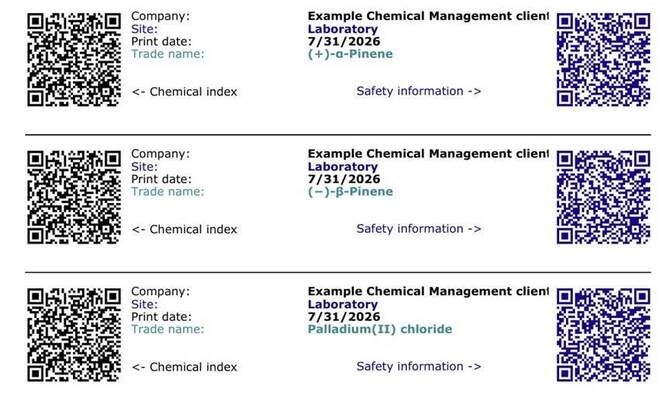
3. This opens a list of QR codes for the unit. QR codes on the left side will lead back to Ecobio Manager to the chemical, but this requires logging in. QR codes on the right side will open chemical safety information without needing to log in.
4. To create a QR code for a specific chemical, open the chemical from the arrow.
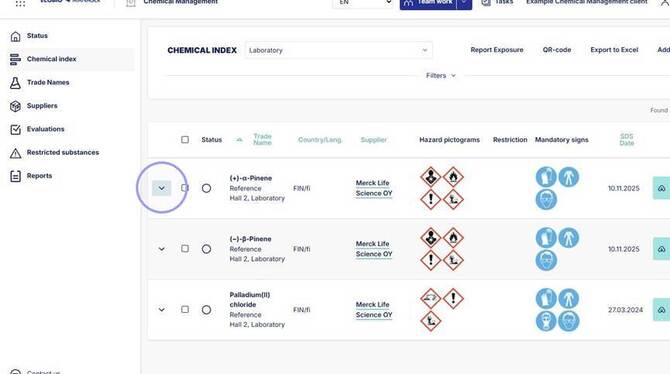
5. Click "QR-Code".
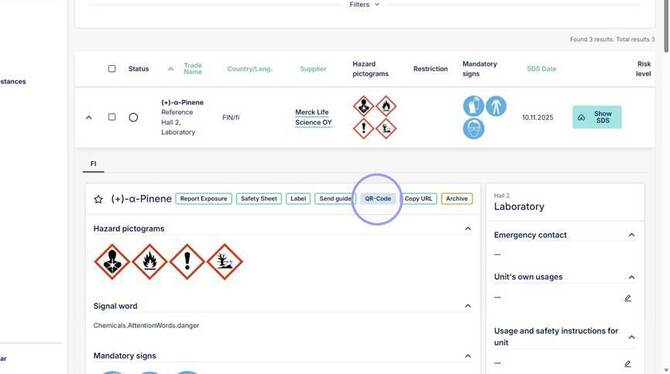
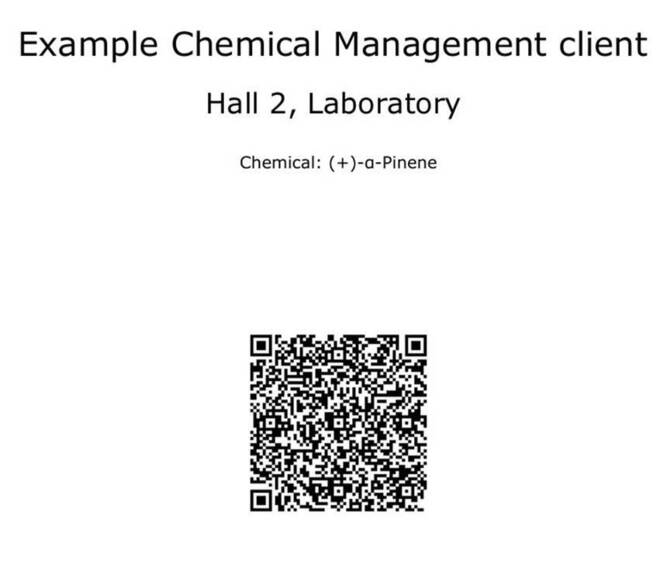
6. This will create a singular QR code which will open chemical safety information when scanned without needing to log in.