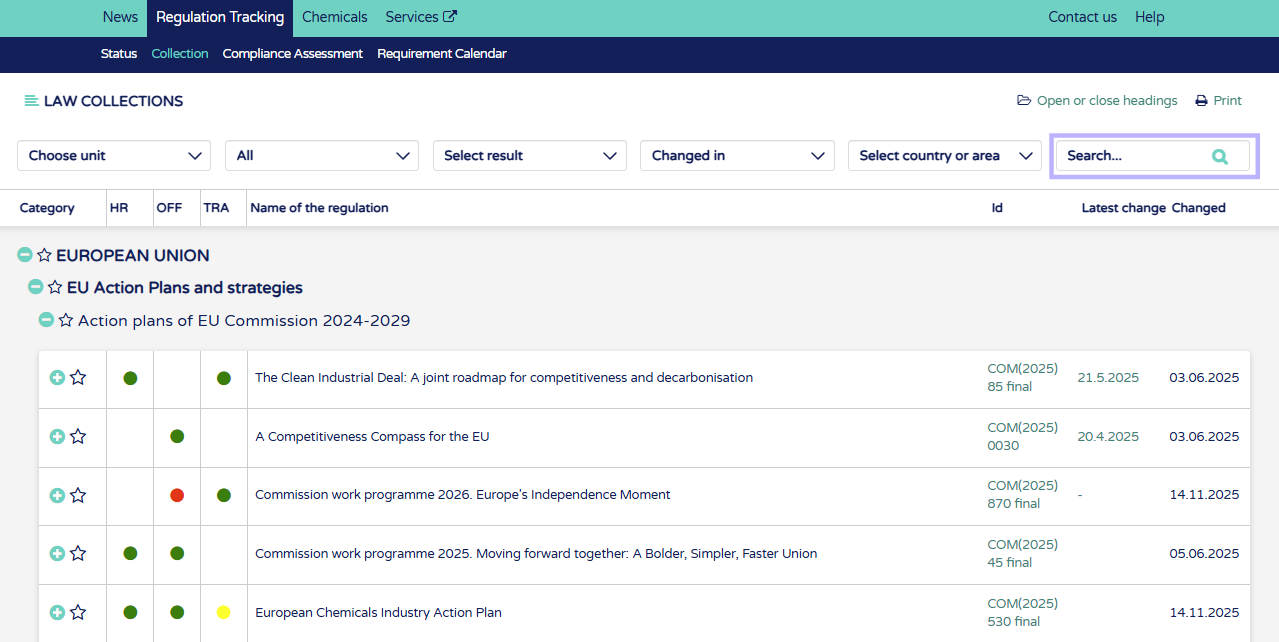
1. Open or close titles for easy management. Print by opening regulations from the "+" button and click "Print". This will print all opened regulations.
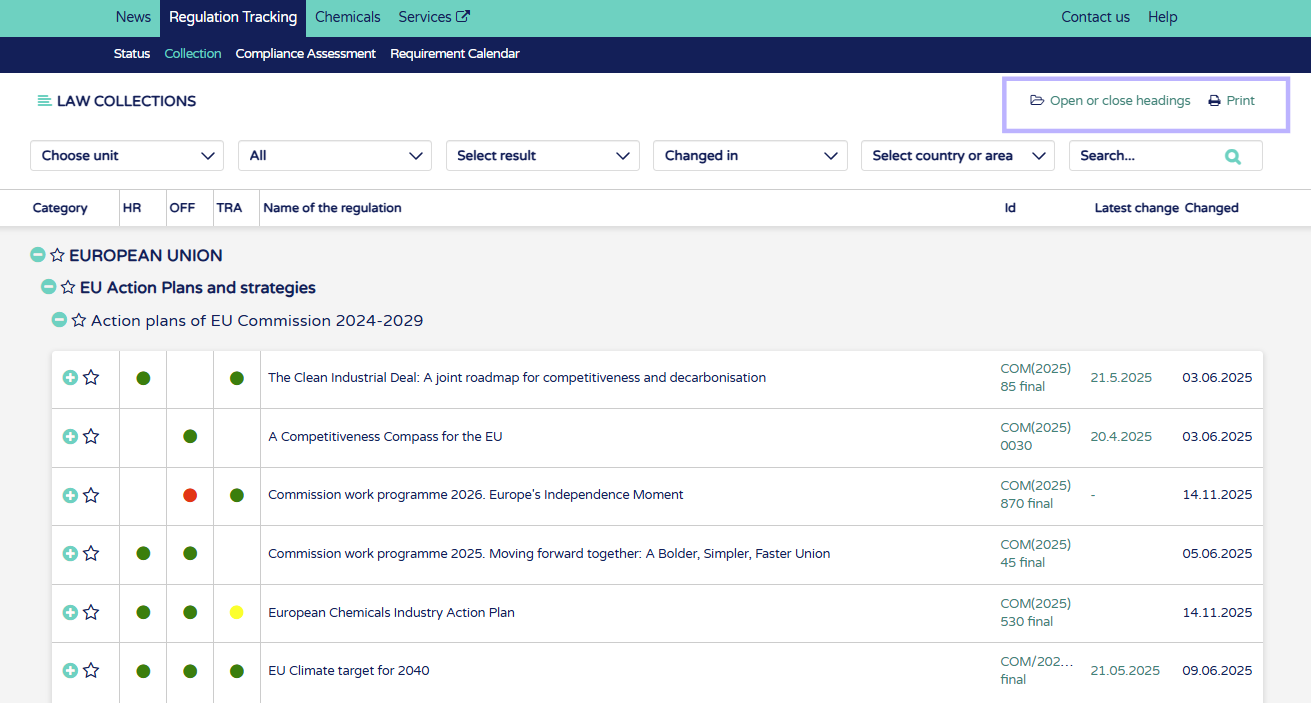
2. Filter by company units. If no units are chosen see full regulation collection. In unit view see only regulations which are chosen to be applicable to that unit.
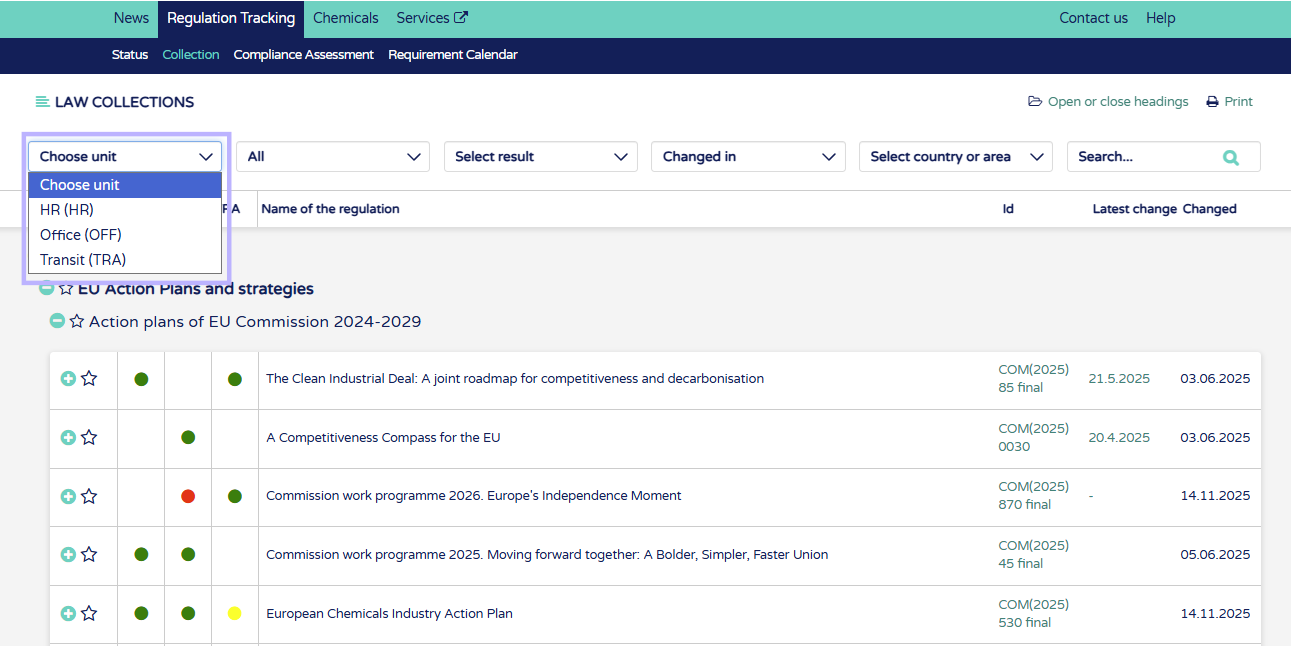
3. Filter by different collections
Must be kept visible - regualtions which are required to be kept visible to all employees
Authority procedure - regulations where authority procedure or permit is required
Qualification requirements - regulations where license required
Favorites - link to regulations favorites chosen by user
Best practices - see exemplary regulation assessment marked in the compliance assessment
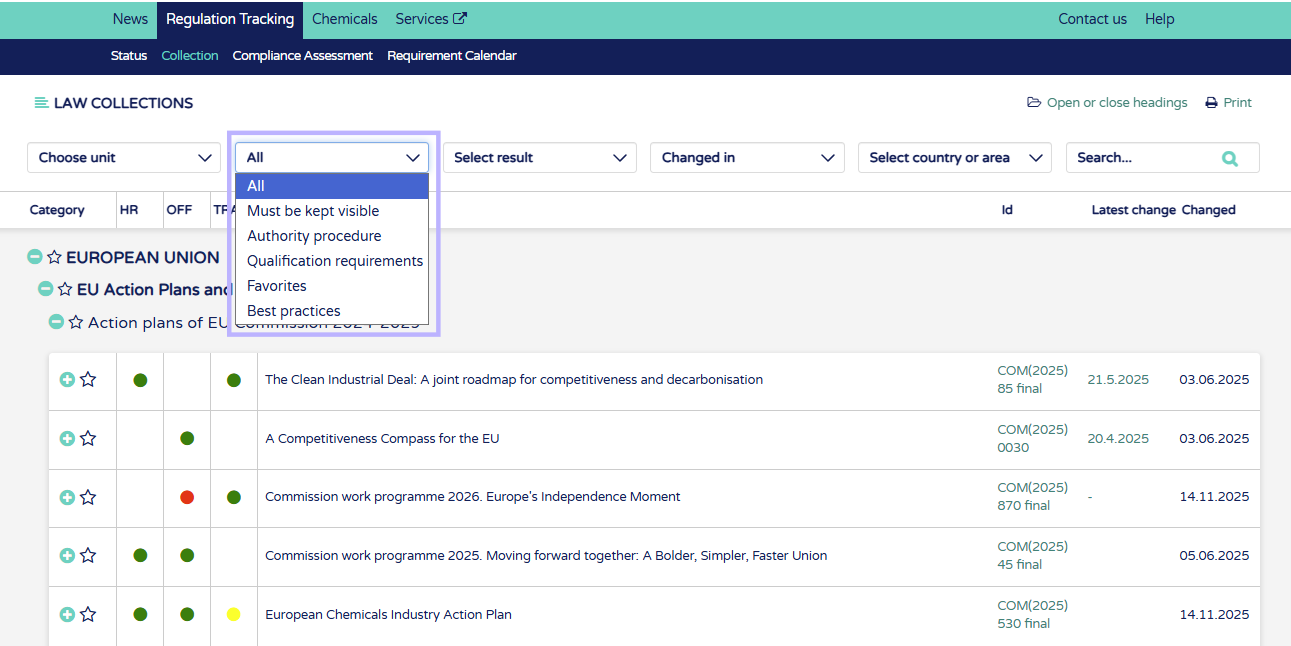
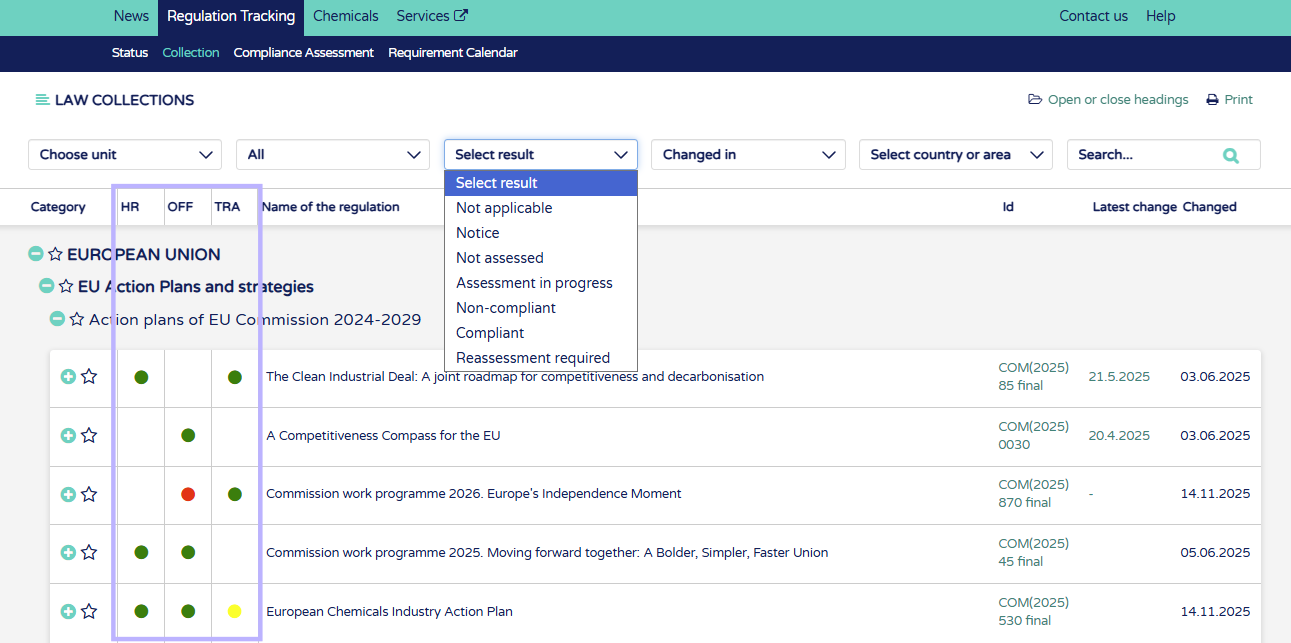
4. Select result for applicability and complience assessment
Not applicable - Regulations chosen not to be applicable for unit/units
Notice - New regualtion added by Ecobio Manager. Assess regulation applicability to add to units.
Not assessed - Regulation chosen as applicable but not yet assessed. Shown on the list as grey circle in the unit column: 
Assessment in progress - Compliance assessment in progress. Shown on the list as yellow circle in the unit column: 
Non-compliant - Regulation in not complient in the unit. Shown on the list as red circle in the unit column: 
Compliant - Regulation is complient in the unit. Shown on the list as green circle in the unit column: 
Reassessment required - Regulation has been updated by Ecobio Manager after the last compliance assessment. Reassess regulation at this poin. Shown on the list as either yellow, green or red circle with an exclamation point in the unit column: 


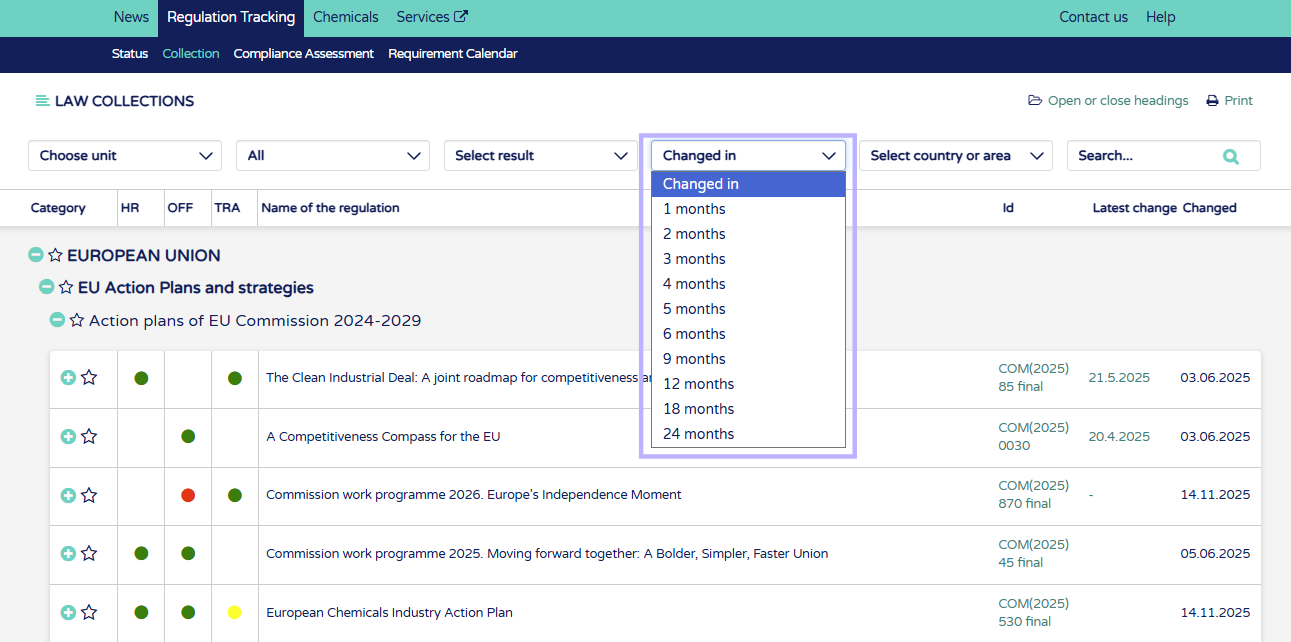
5. Filter to see regulations updated in certain time window from one month to two years.
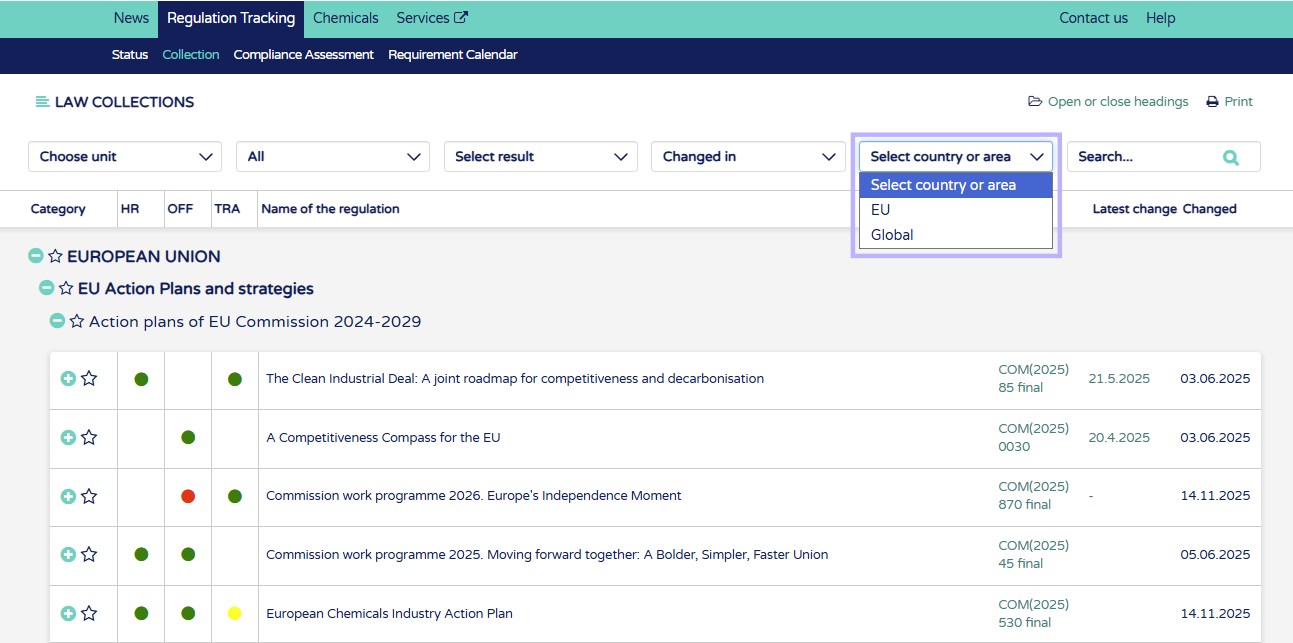
6. Filter by country or area or the regulation.
7. Search regulations by name, ID code or content.