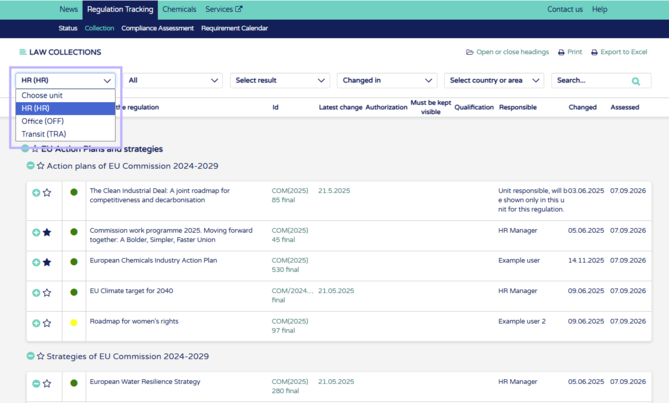
1. Choose you unit from the unit picker
2. Open the regulation you want to assess from the "+" button.
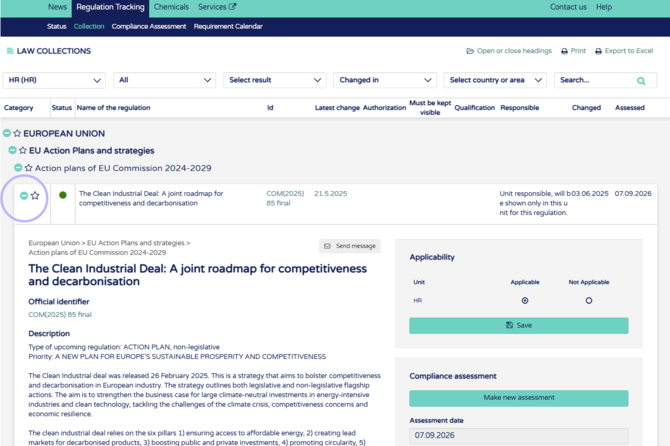
3. You can see the details of the previous compliance assessment in the compliance assessment window, if no compliance assessments were done previously it will be empty.
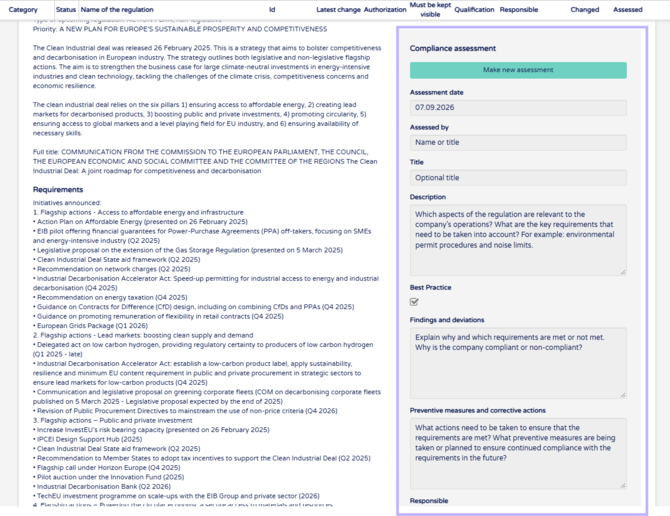
4. Start new assessment from the "Make new assessment" button. The text field will now turn editable and you can either remove or keep the previous information.
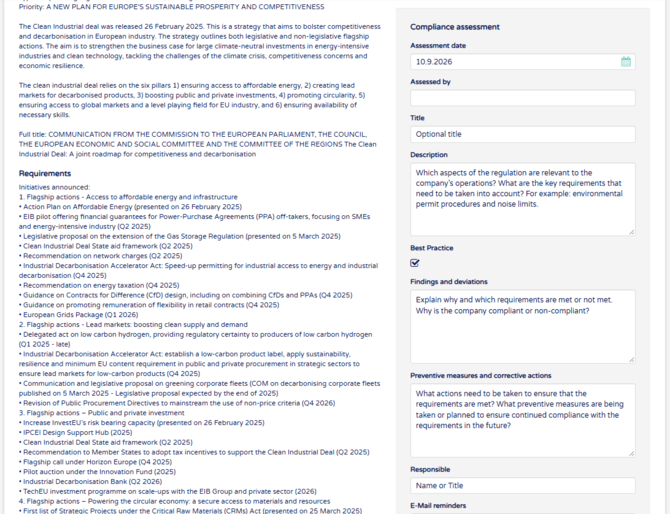
Fields in order:
Assessment date: pre selects current date but can be edited by clicking the field.
Assessed by: Type assessors name or title, which ever work better for your company
Title: Optional information
Description: Which aspects of the regulation are relevant to the company’s operations? What are the key requirements that need to be taken into account? For example: environmental permit procedures and noise limits.
Best Practice checkbox: after clicking this the regulation and the assessment will be filterable from the top bar filter "All" and under that "Best practices". This way assessment can be used as an example for later assessments.
Findings and deviations: Explain why and which requirements are met or not met. Why is the company compliant or non-compliant?
Preventive measures and corrective actions: What actions need to be taken to ensure that the requirements are met? What preventive measures are being taken or planned to ensure continued compliance with the requirements in the future?
Responsible: Regulation compliance assessment responsible, might not be the same person as unit responsible. Use name or title.
E-Mail reminders & until: Input email address and date to the until box, two weeks before the date there will be an email reminding to reassess the regulations.
Result: Choose if regulations if compliant, if it still in progress or if it is non-compliant.
Attachments: Attach any needed files to the assessment.
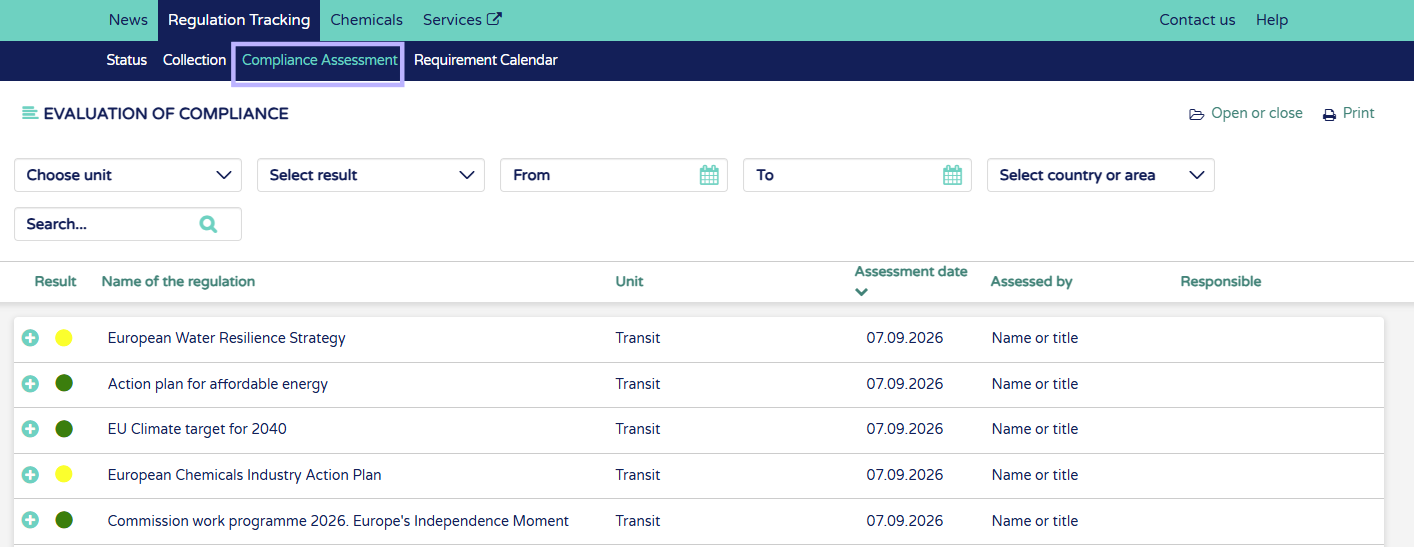
5. Save assessment. The colored circle will change immediately for the regulation according to the chosen result. See all assessments in the compliance assessment tab.