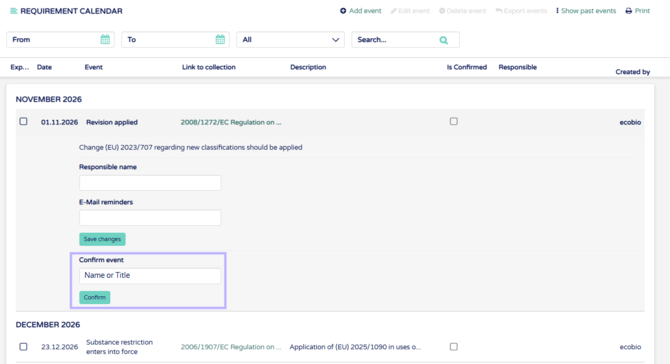
1. To confirm events click open an event and input your name or title to the "confirm event" field. Your name will be automatically shown here but can be edited if needed. Press "Confirm" below the name to confirm event.
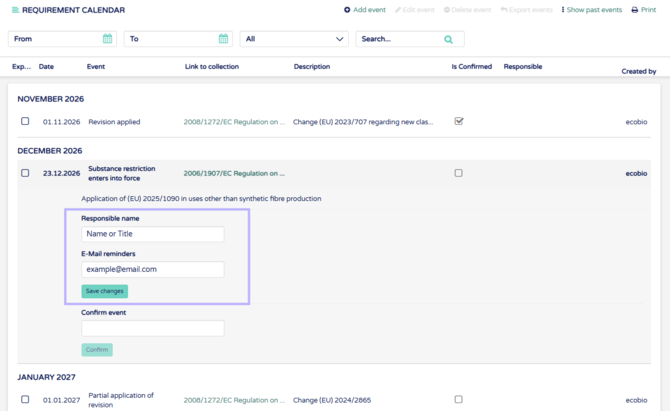
7. To set a task about confirming even set reponsible persons details into the field and press "Save changes".
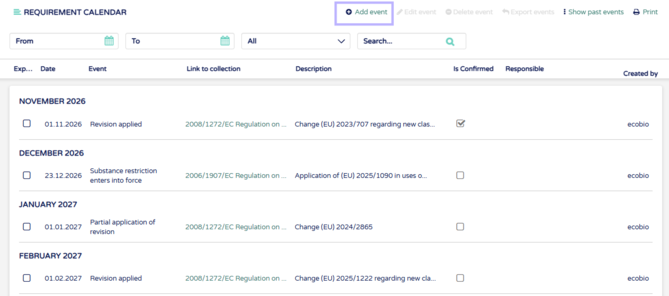
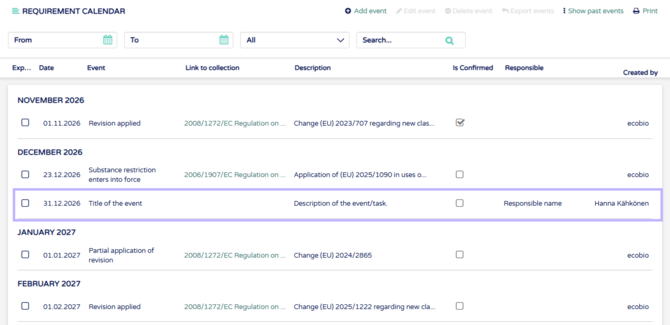
8. To add your own tasks/events click "Add event" on the top of the page.
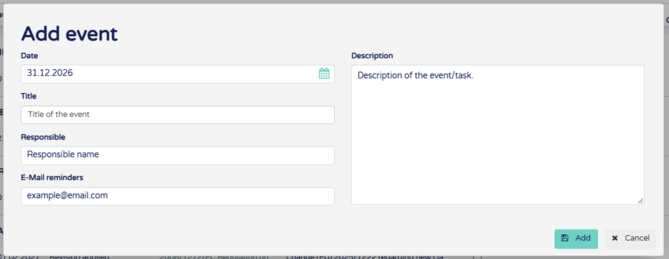
9. From the opening field input all details of the event and click "Add".
10. New event will be shown on the list and "Created by" column will show who created the event.
11. Add events to your personal calendar by selecting the wanted events. Then click "Export events.
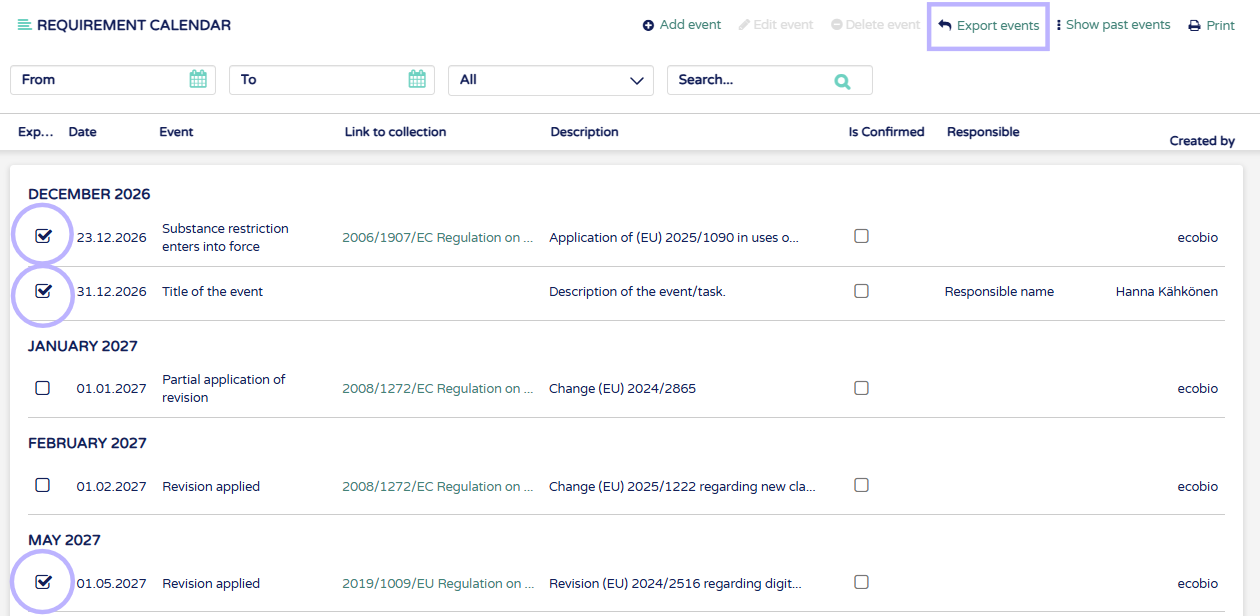
12. Open file in your calendar, for example outlook.