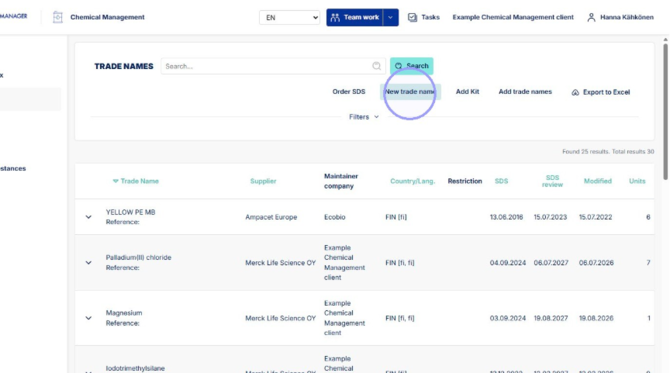
1. Start by clicking "New trade name" in Trade Names section.
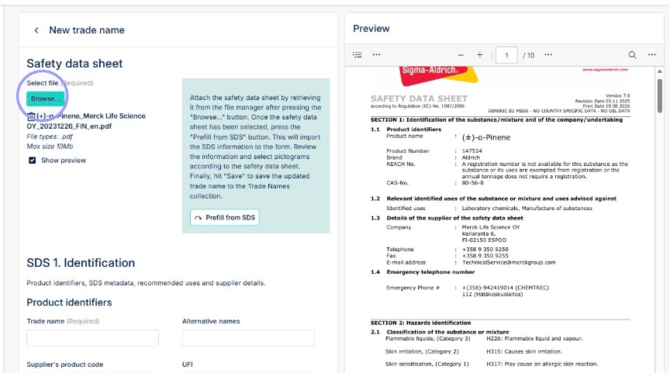
2. Attach the trade name SDS file here. Attachment will open up on the right side for easy viewing.
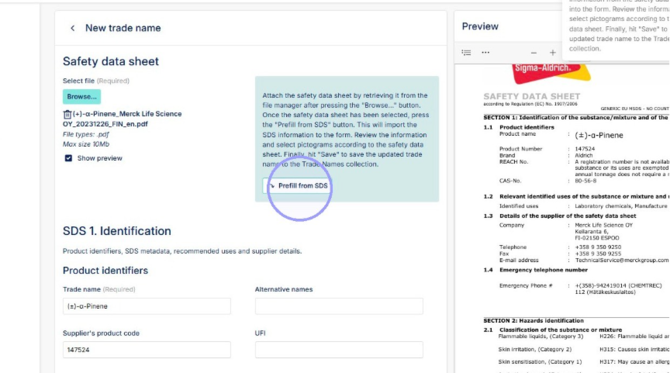
3. After SDS has been opened, you can click "Prefill from SDS" to activate AI import tool. The tool will fill the trade name information based on the SDS file. Always check that AI imported information is accurate to the file and fill missing information listed below. If the AI tool can not import the information, add it manually. To develop the tool you can send us the SDS file (to support@ecobiomanager.com) and it will be used to further train the tool.
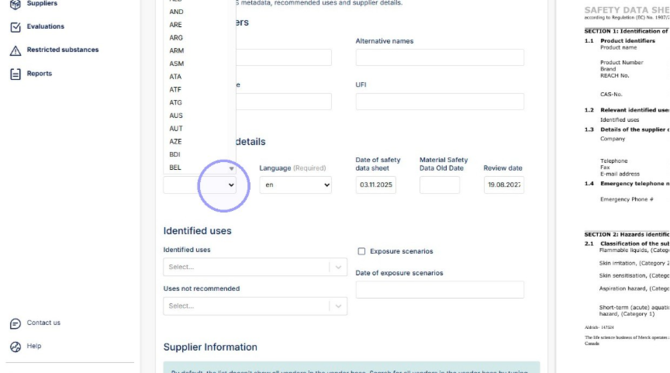
4. Click this dropdown and select the country of SDS, this can usually be found in the general information on the first page. Type first letters to search country from the dropdopwn.
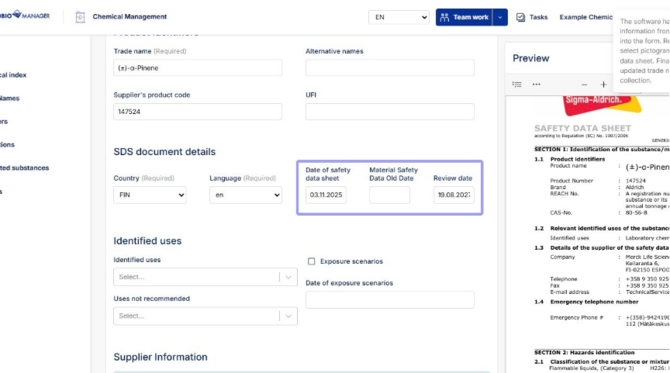
5. See SDS date here, Review date is automatically set to two years from current date, but you can edit this as needed. Material Safety Data Old Date is for when you are updating a pre-excisting trade name.
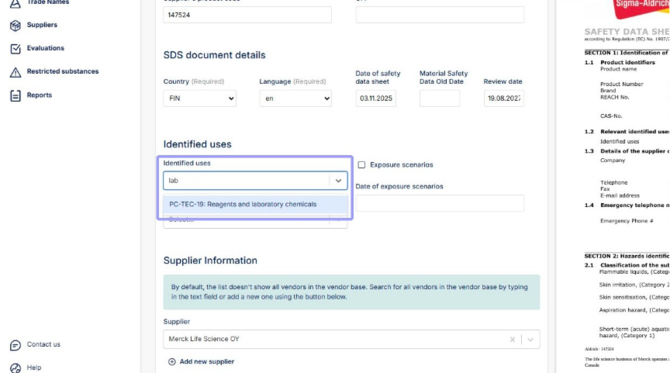
6. Search for identified uses from the dropdown list.
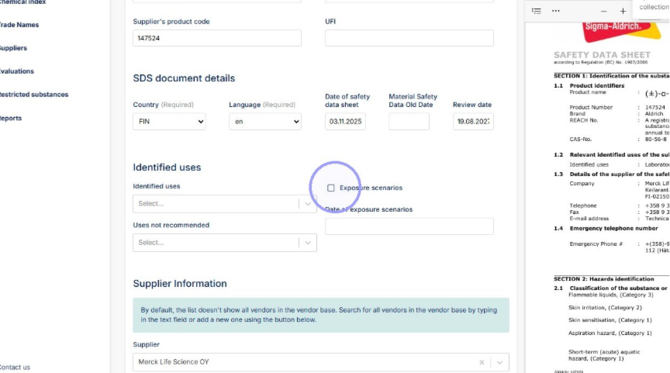
7. Select "Exposure scenarios" if there is one attached to the SDS. Exposure scenario is an attachement after part 16 in SDS file.
8. Verify that Hazard characteristics, Hazard statements and Precautionary statements are prefilled correctly.
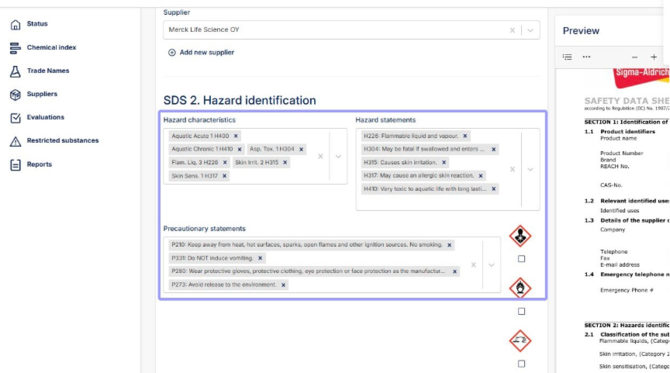
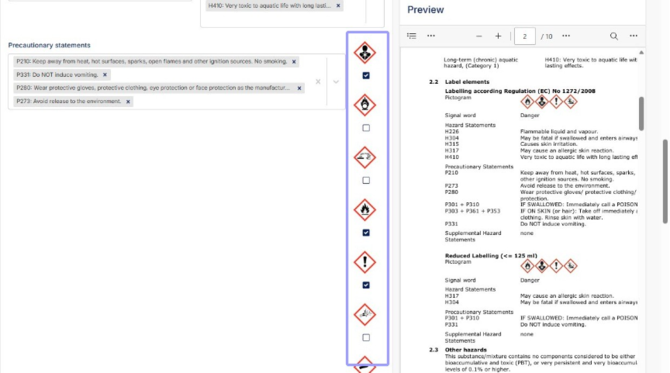
9. Select warning labels based on SDS information.
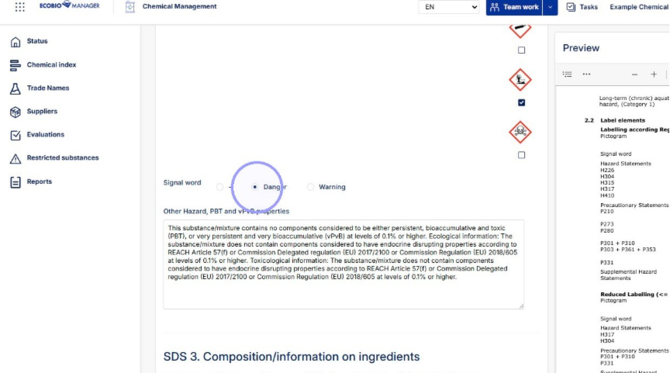
10. Select Signal word based on SDS information
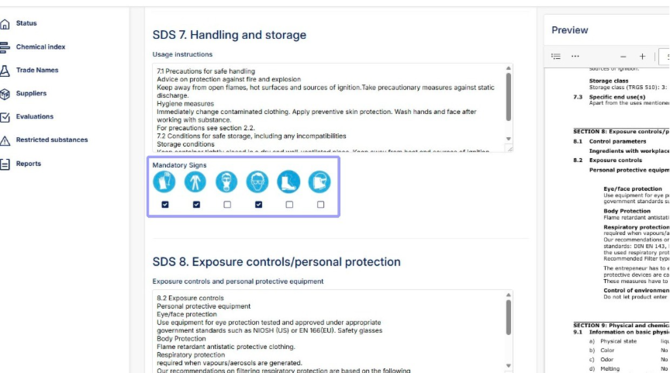
11. Select Mandatory signs based on information on SDS section 8. which can be found below mandatory signs.
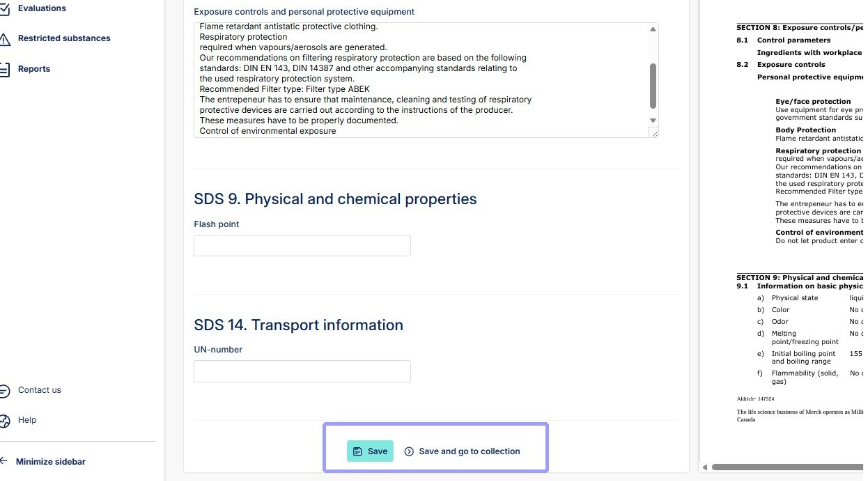
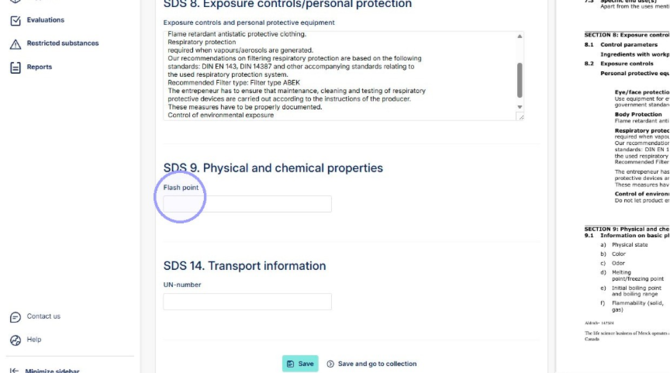
12. Enter "Flash point" if found in SDS.
13. Enter "UN-number" if found in SDS.
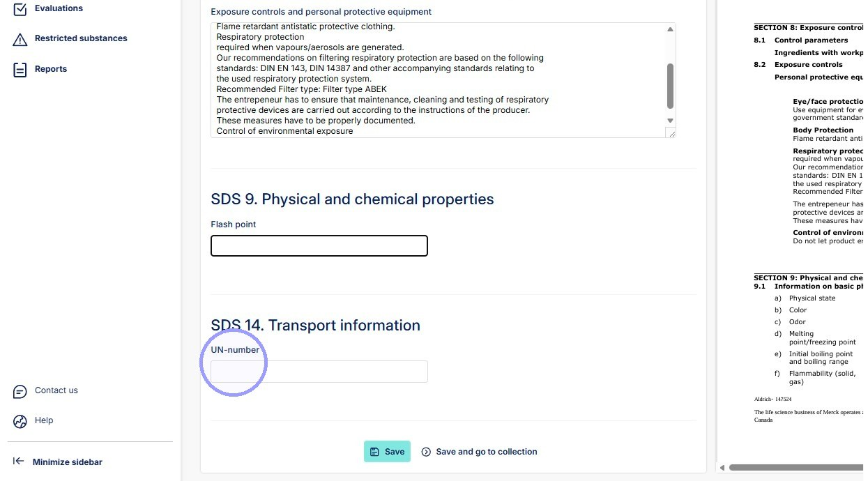
14. Click "Save" or "Save and go to collection" to save new trade name.