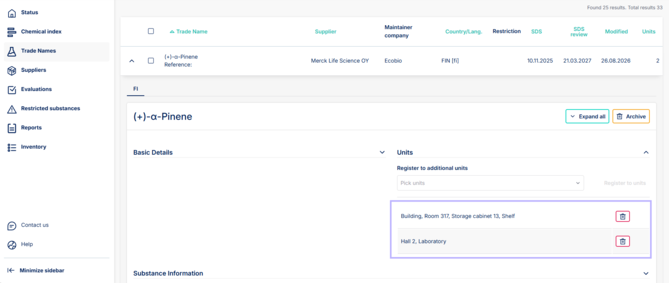
1. To archive trade names, open trade name to be archived from the arrow and select "Archive". 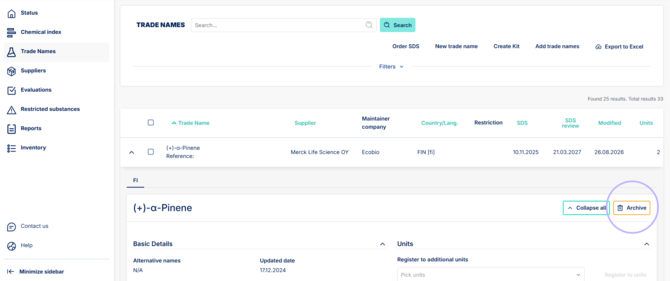
2. A popup will ask for confirmation, proceed by clicking yes. Trade name is now archived.

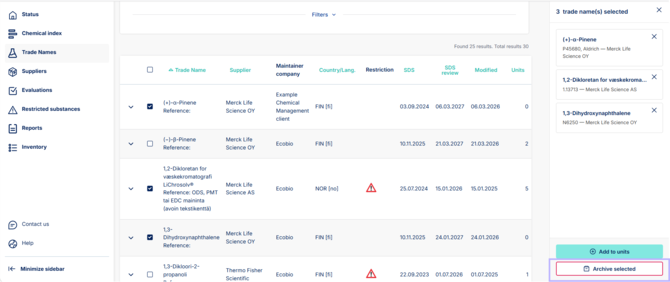
3. To archive multiple trade names, use mass selection tool. Select trade names by clicking the checkbox beside the trade name. As you select checkboxes, a right side panel will appear with option to "Archive selected".
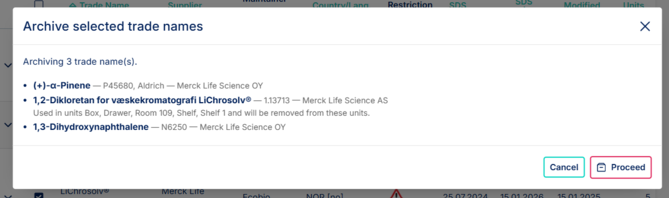
4. After clicking "archive selected" a popup will ask for confirmation and list all selected trade names.
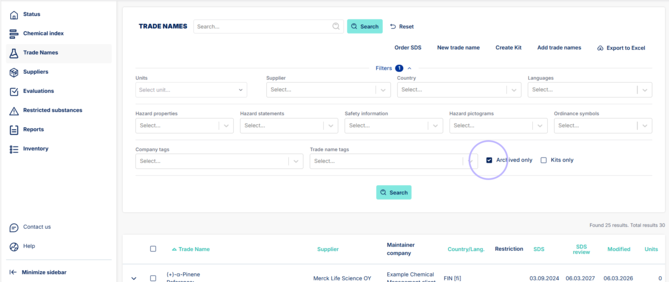
5. To unarchive trade names select "Archived only" checkbox from filter menu and click search.
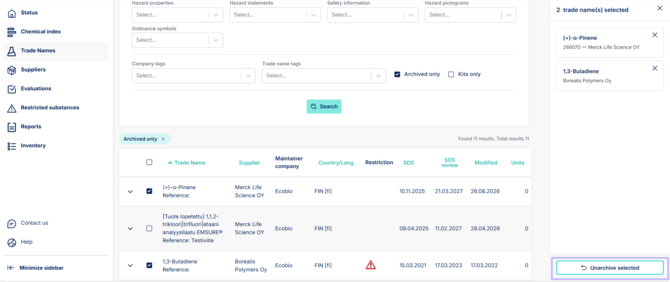
6. Select trade names by clicking the checkbox beside the trade name. As you select checkboxes, a right side panel will appear with option to "Unarchive selected".
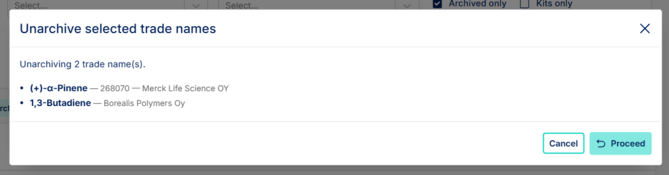
7. Popup will ask for confirmation. After you click proceed the trade name is unarchived and brought back to the trade names collection.
8. If trade name was part of any units before archiving, it will also be added back to the previous units.