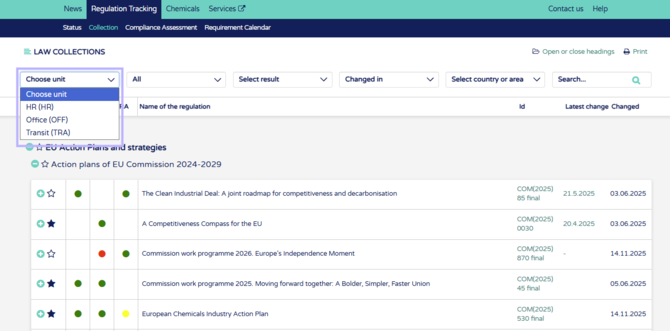
1. When no units are opened you will see whole company law collection. Once a unit is opened from this "Choose unit" dropdown, only the regulations applicable in that unit will be seen.
2. The unit view has more information and functions compared to the collection view. You can Export a list of regulations in the unit to Excel with all the compliance assessment details included.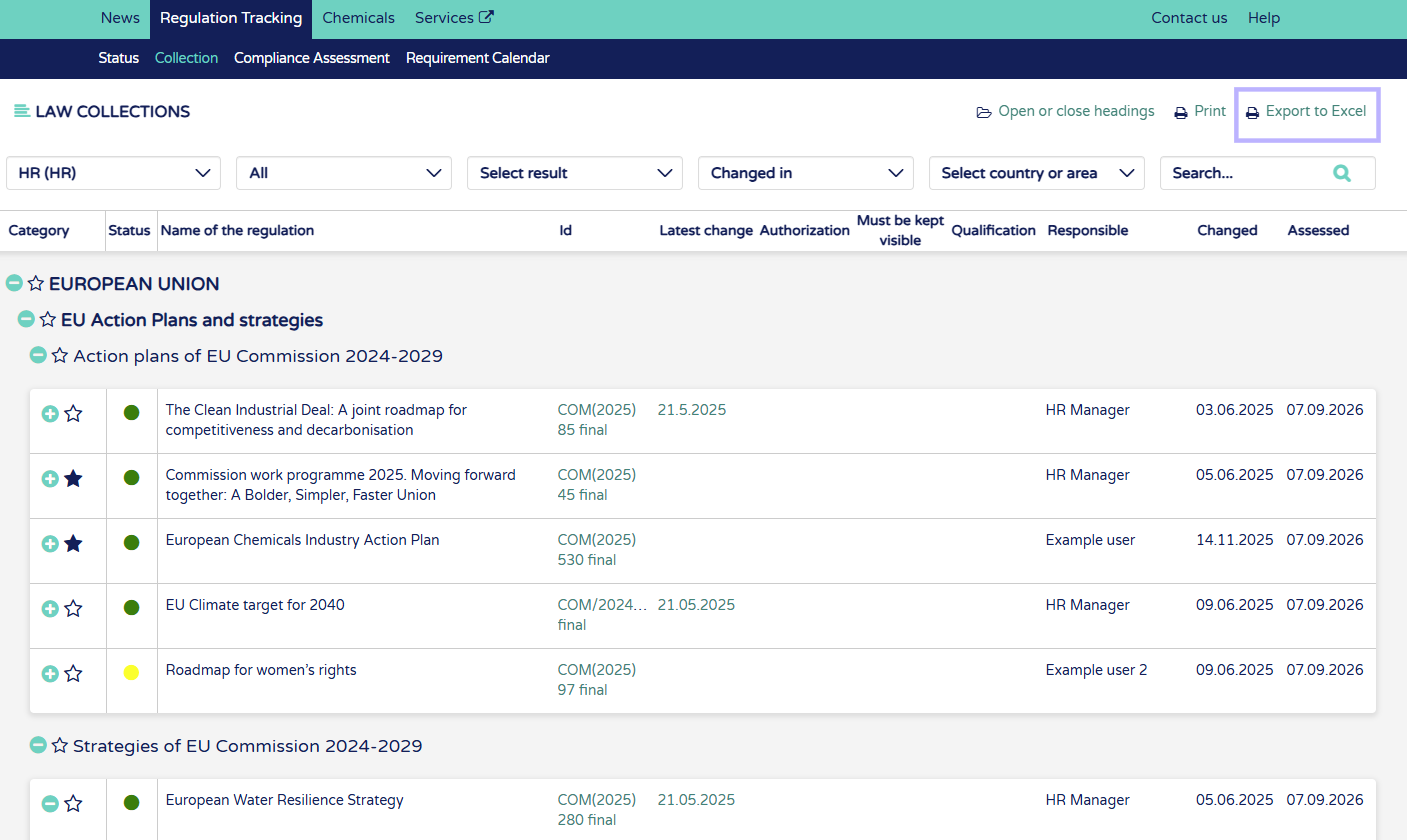
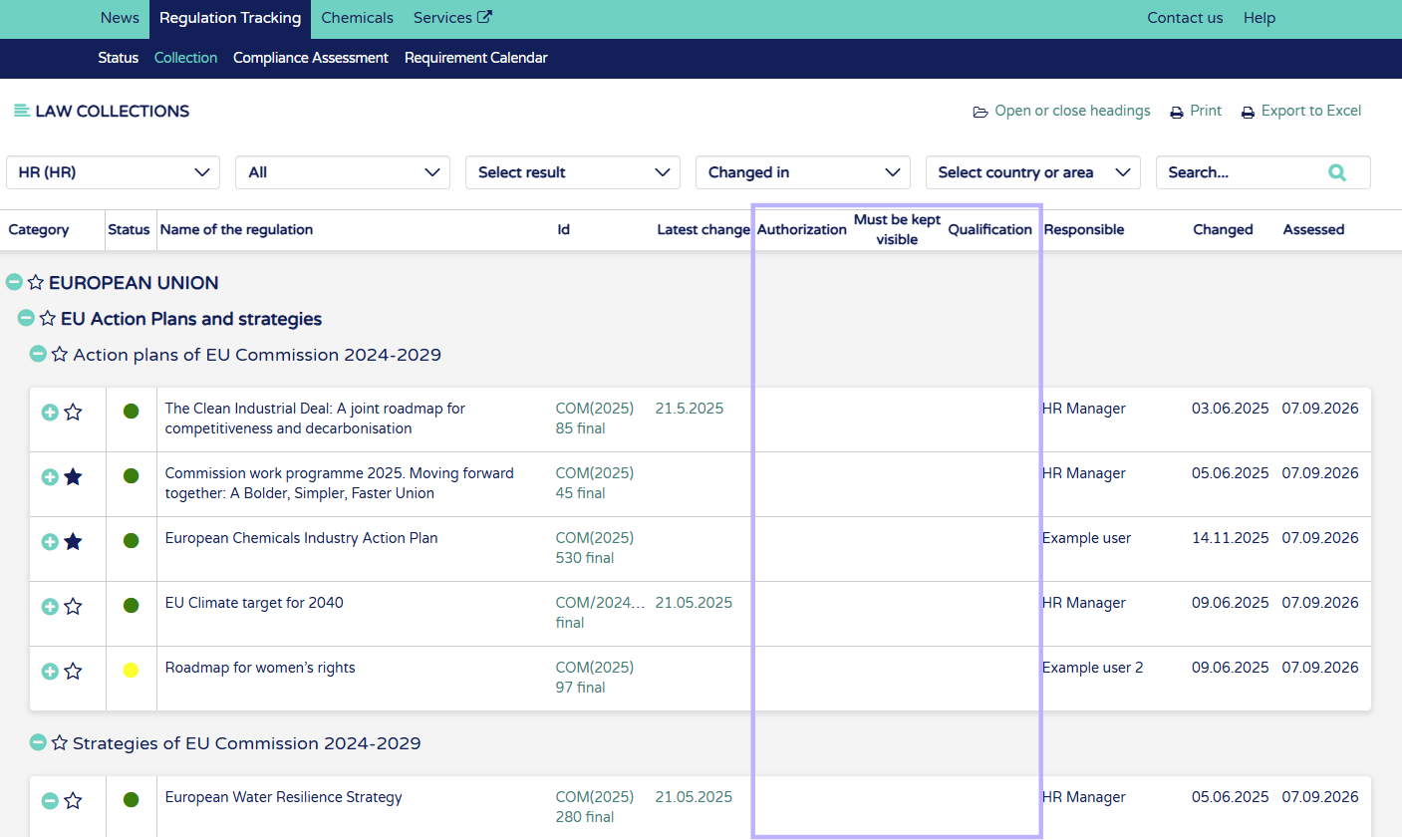
3. Regulation rows will show if regulation requires athorization or permits, if it must be kept visible or if it requires qualifications. These are shown in the columns, where you will se a checkmark if the regulation applies to on or more of these columns. 
4. You can see who is responsible for the regulation in the unit.
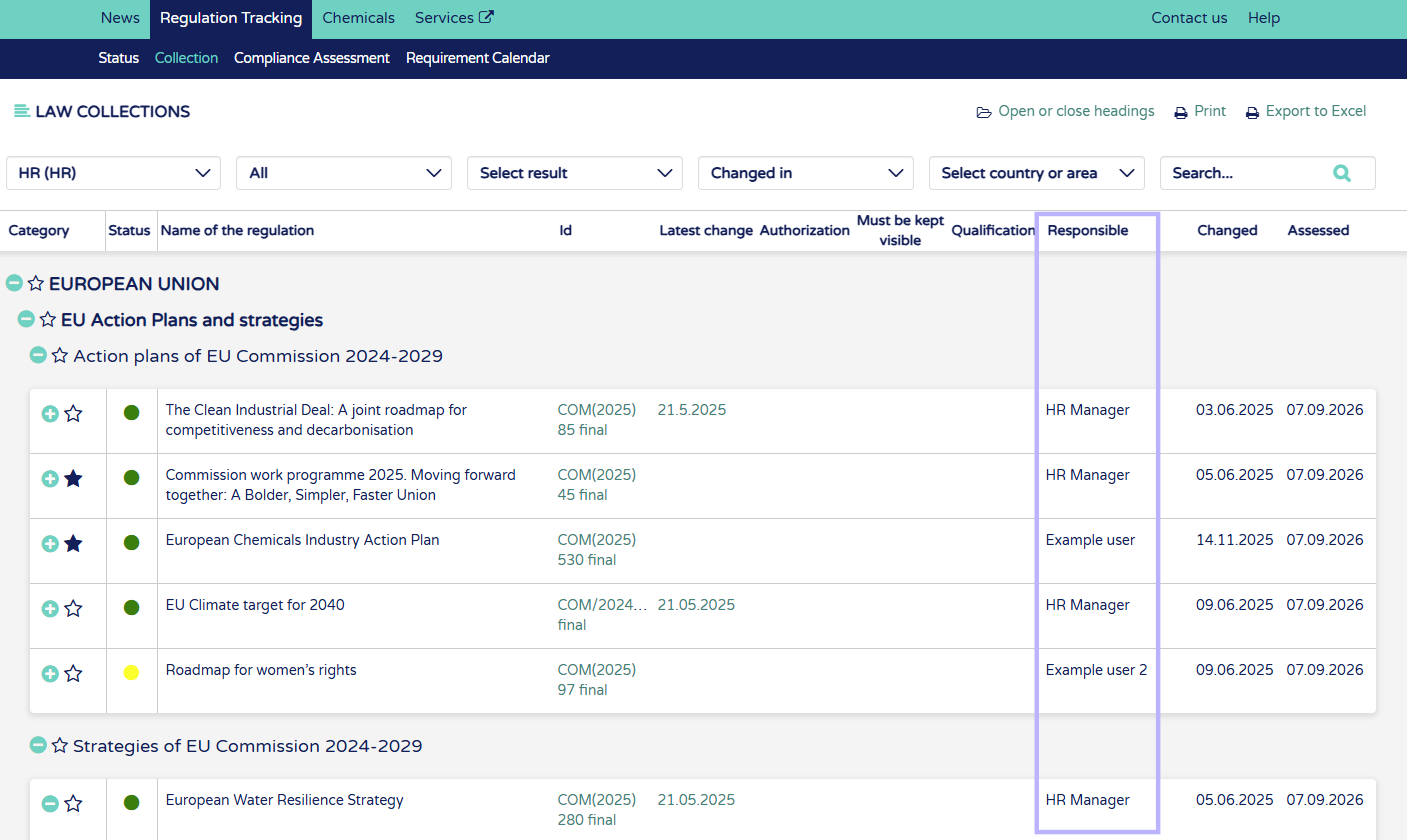
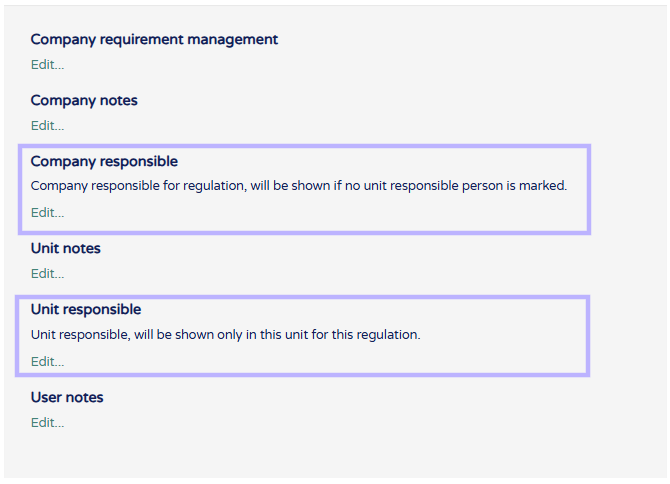
You can mark unit responsible people from notes section under regulation details. Open regulation from "+" button beside regulation row. Scroll to the bottom of regulation details. From the notes field choose the Company responsible and/or the Unit responsible:
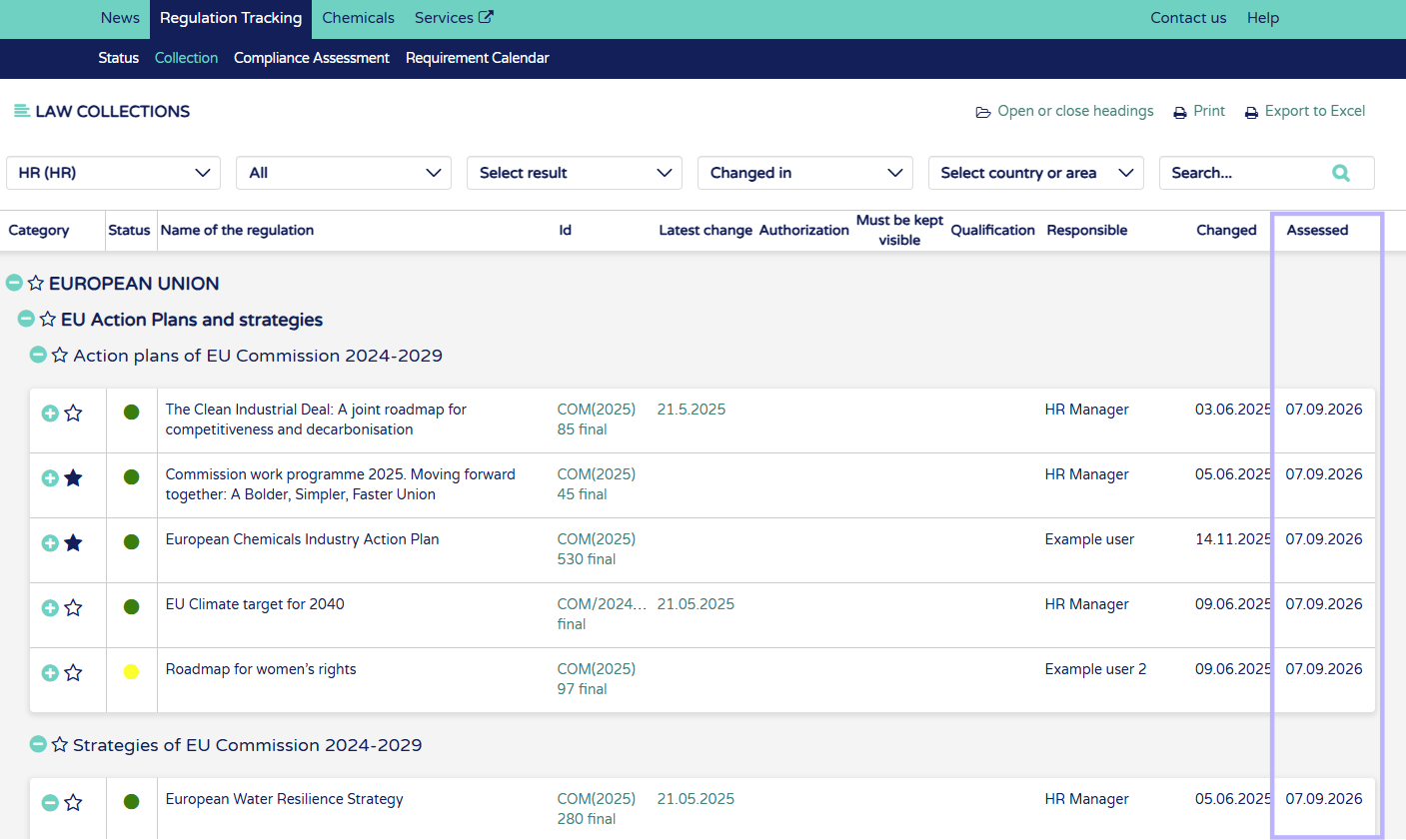
5. See when the regulation was last assessed.
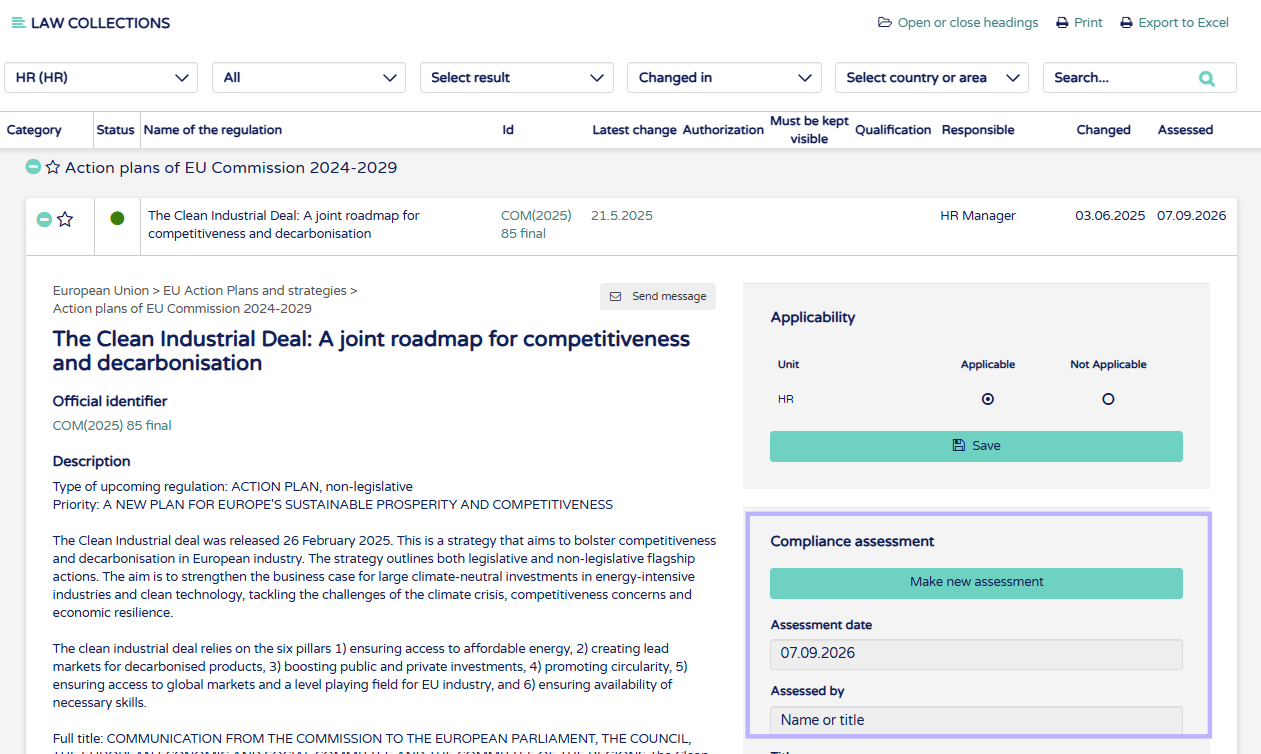
6. When regulations are opened you can choose applicability for chosen unit, if Not applicable is chosen the regulation will disappear from the unit view but can be found again in the collection view (no units chosen).
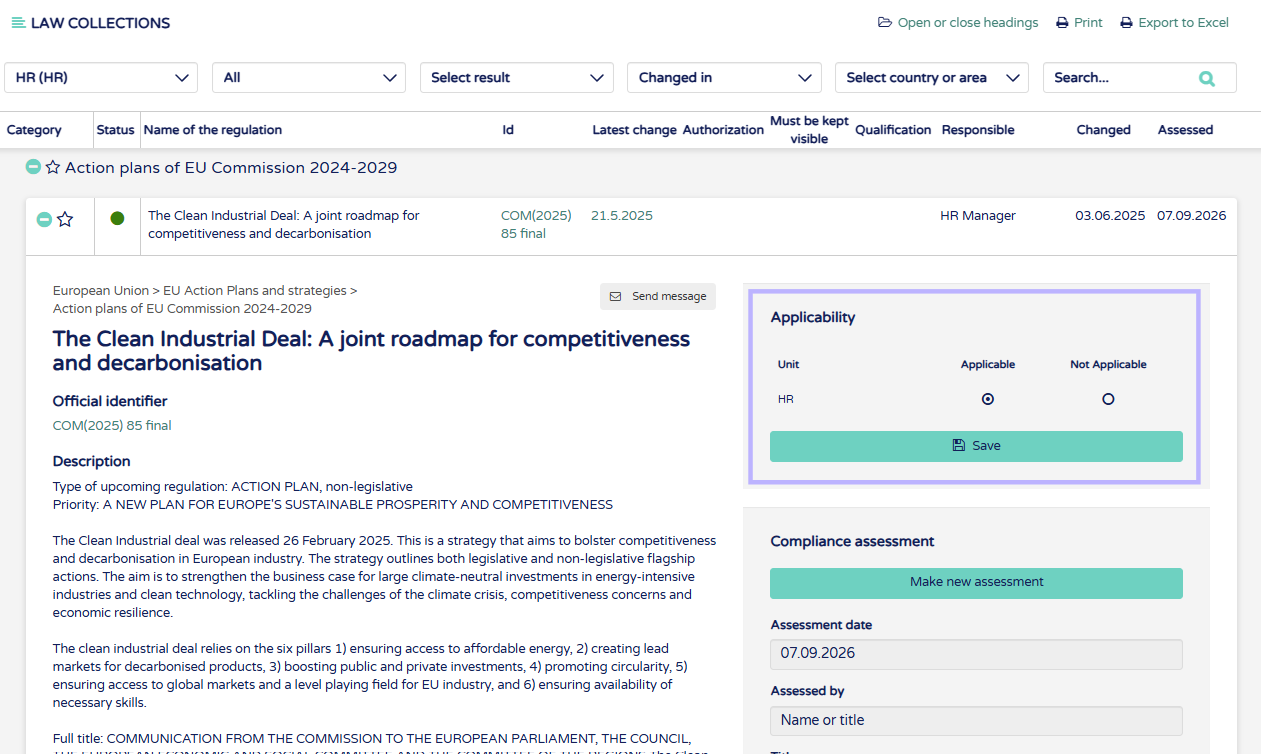
7. Under applicability you can start compliance assessment for regulations and see details of the last assessment. See guide "How to do a compliance assessment" for more information about this.