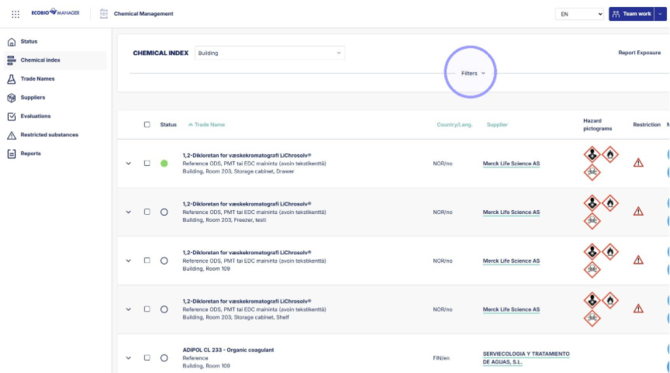
1. Click "Filters".
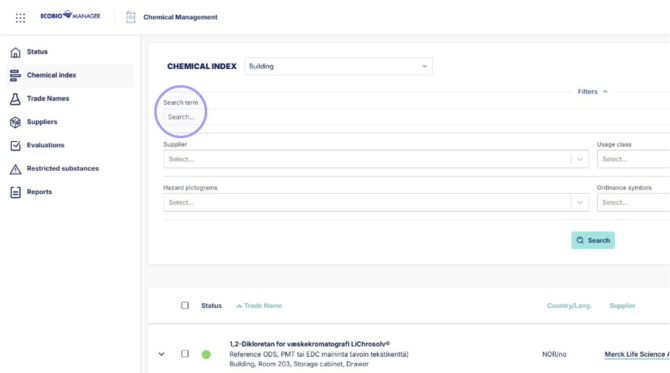
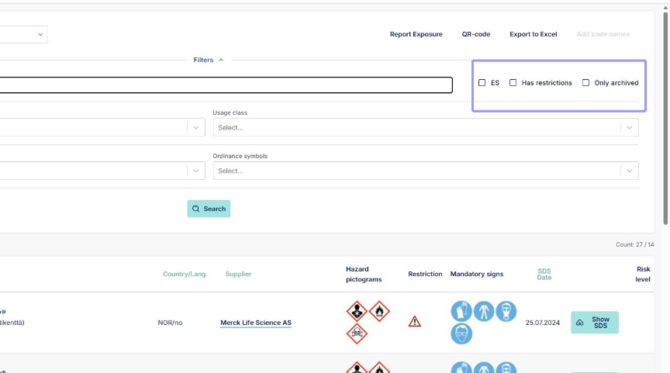
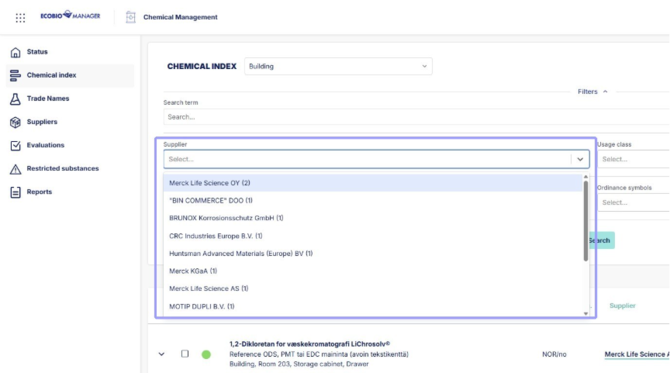
4. Search chemicals by supplier, shows only suppliers in chosen unit. Trade name amount for each supplier in parenthesis.
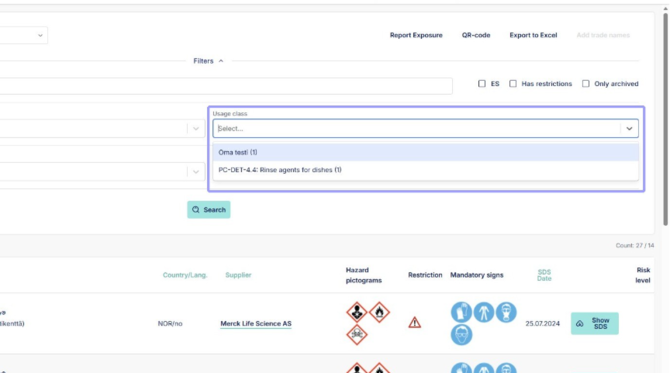
5. Filter by usage classes in current unit, both own usage classes and ones added by Ecobio.
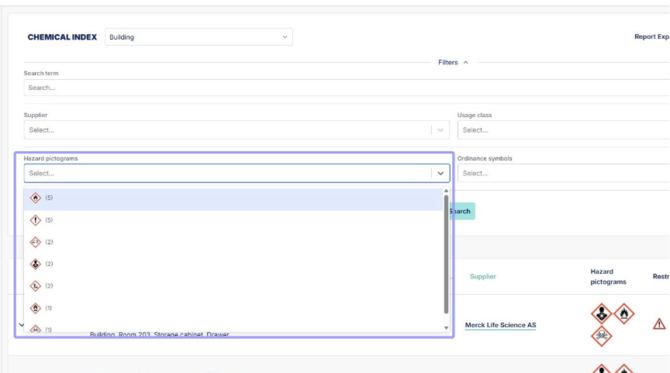
6. Filter by hazard pictograms.
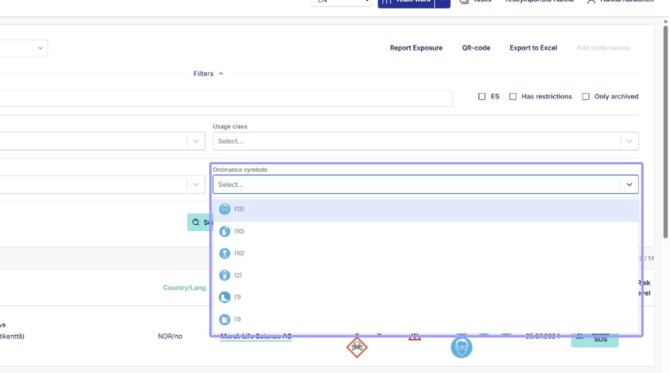
7. Filter by ordinance symbol.
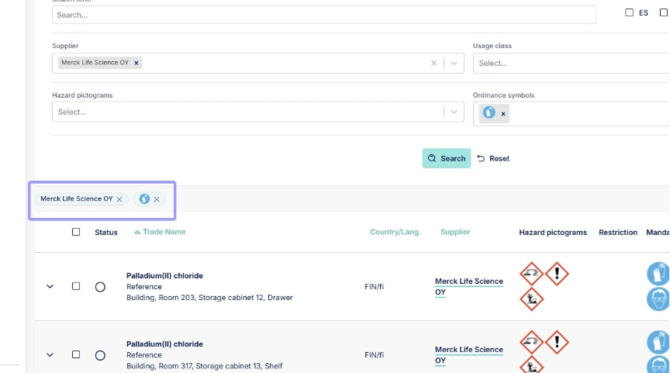
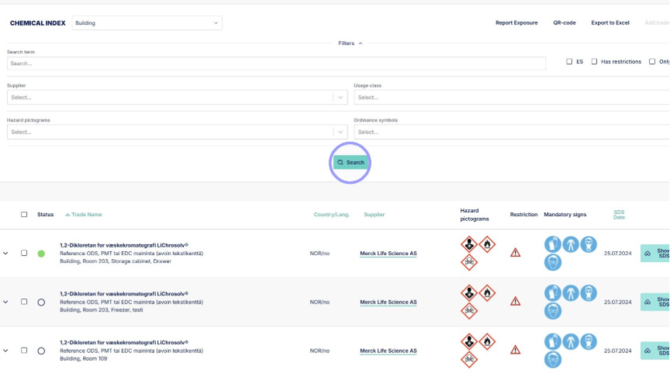
8. After selecting filters or setting a search term, click "search" to see results.
9. Remove search filter by clicking on the x beside the filter icons.