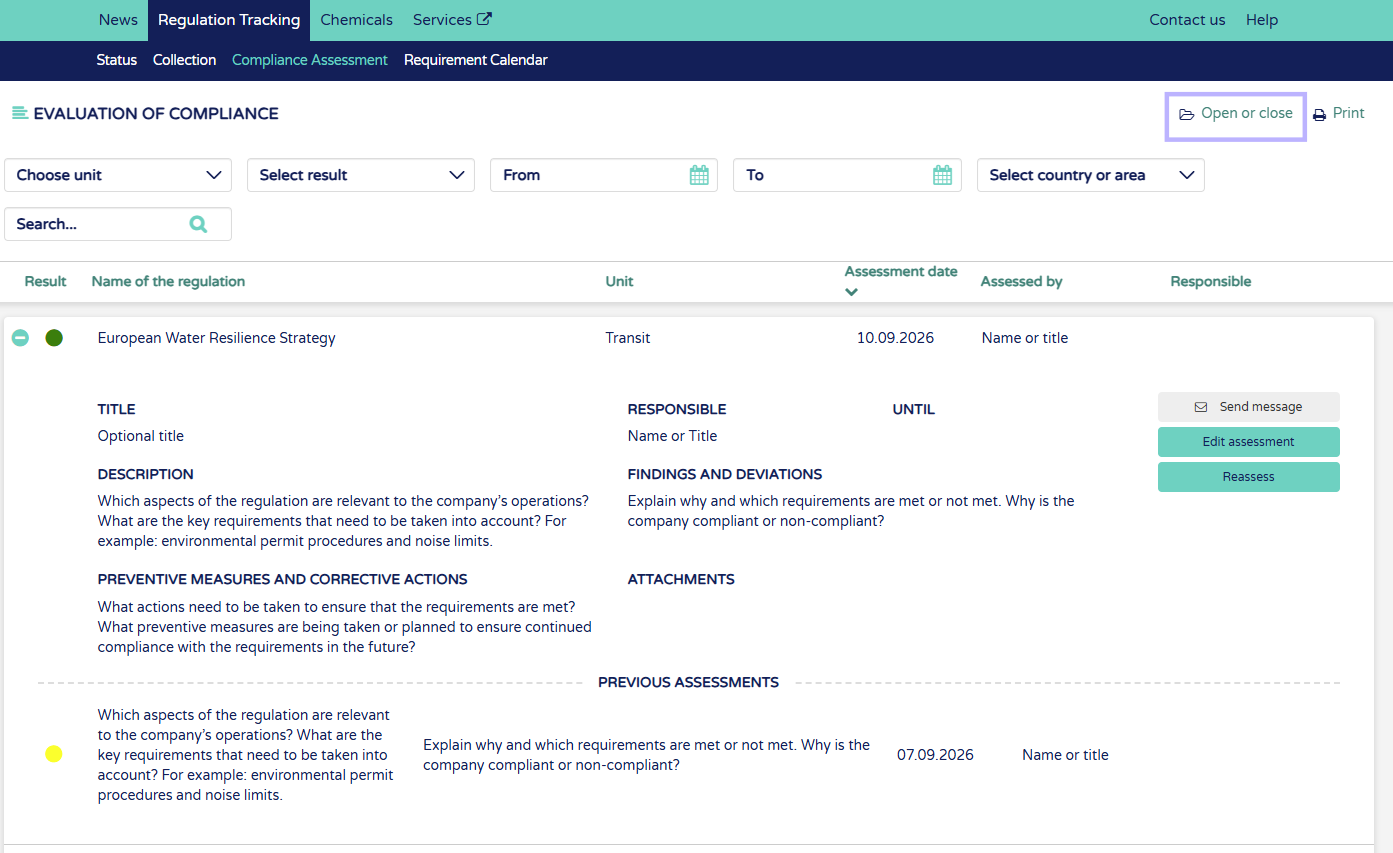
1. From Compliance assessment page you can open or close all assessments. This will show the latest assessment and under those the previous historical assessments. You can open assessments one by one by clicking the "+" button beside the regulation name.
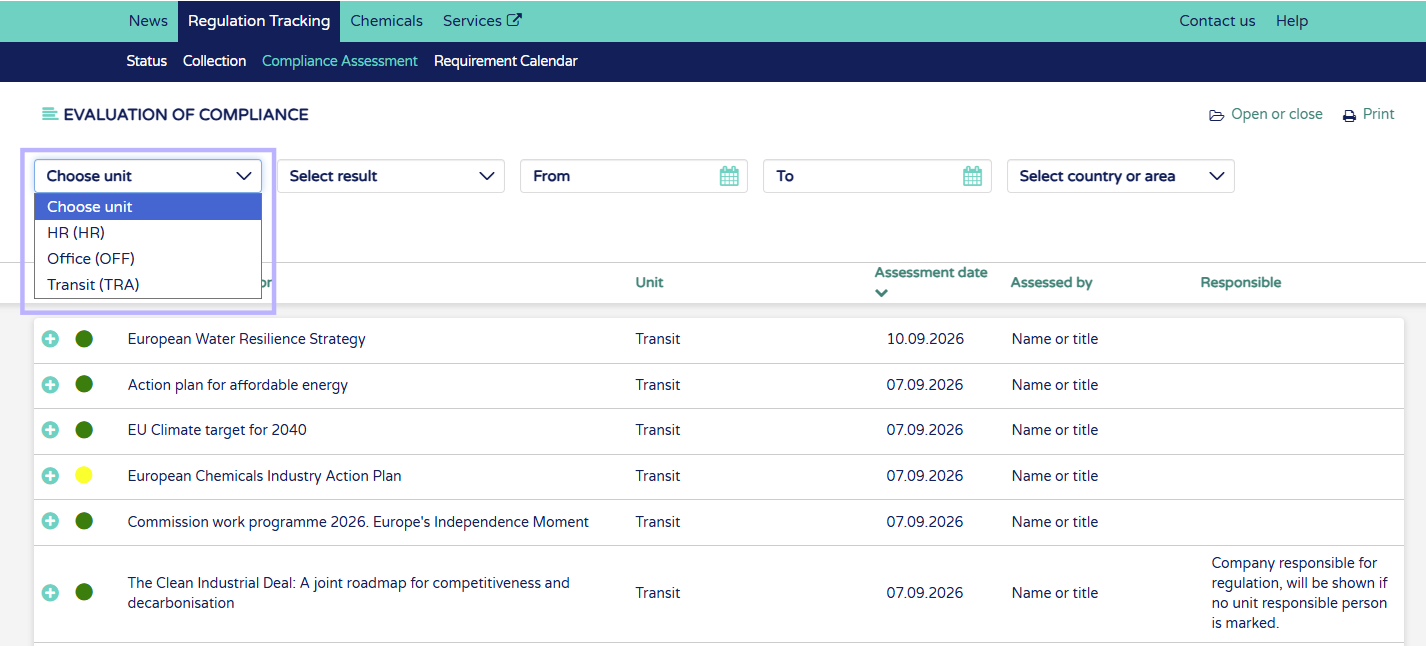
2. Filter assessments by unit.
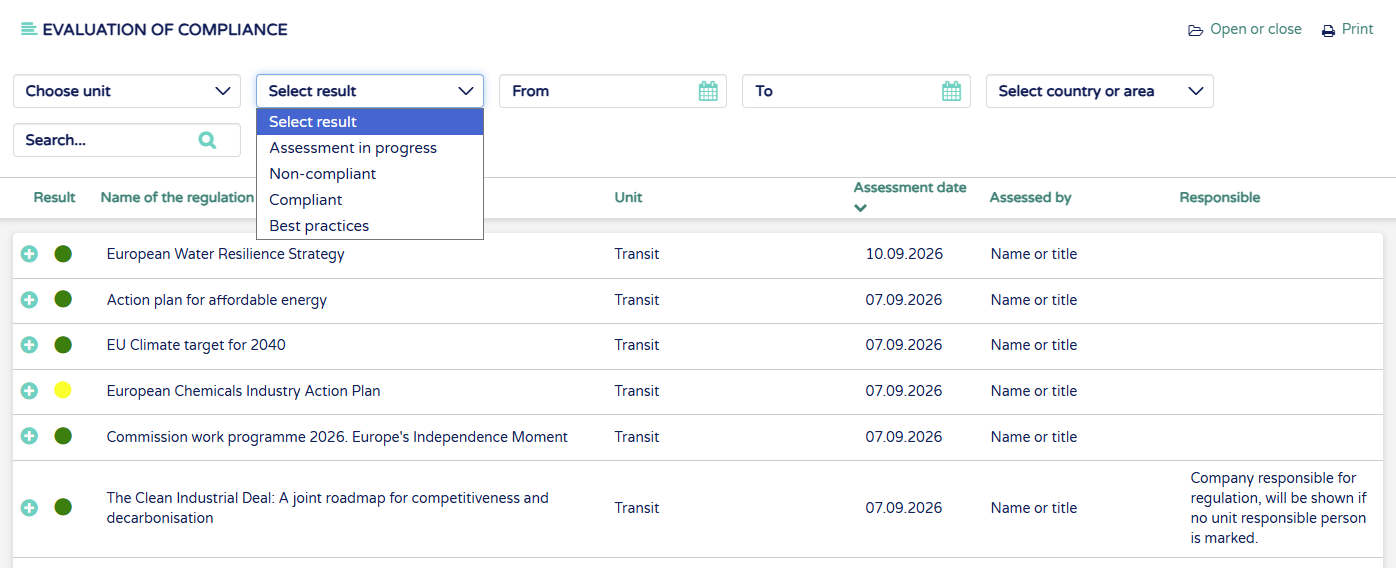
3. Filter assessment results
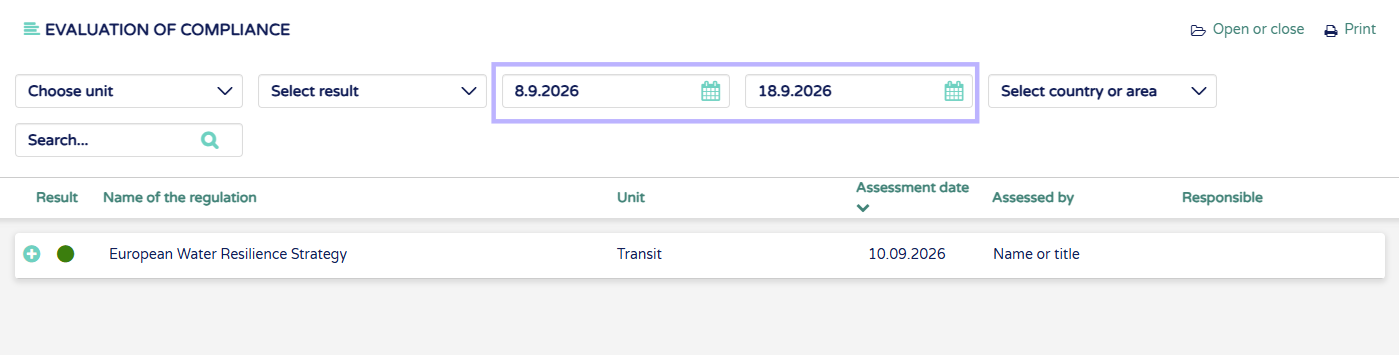
4. Filter assessment times between chosen dates
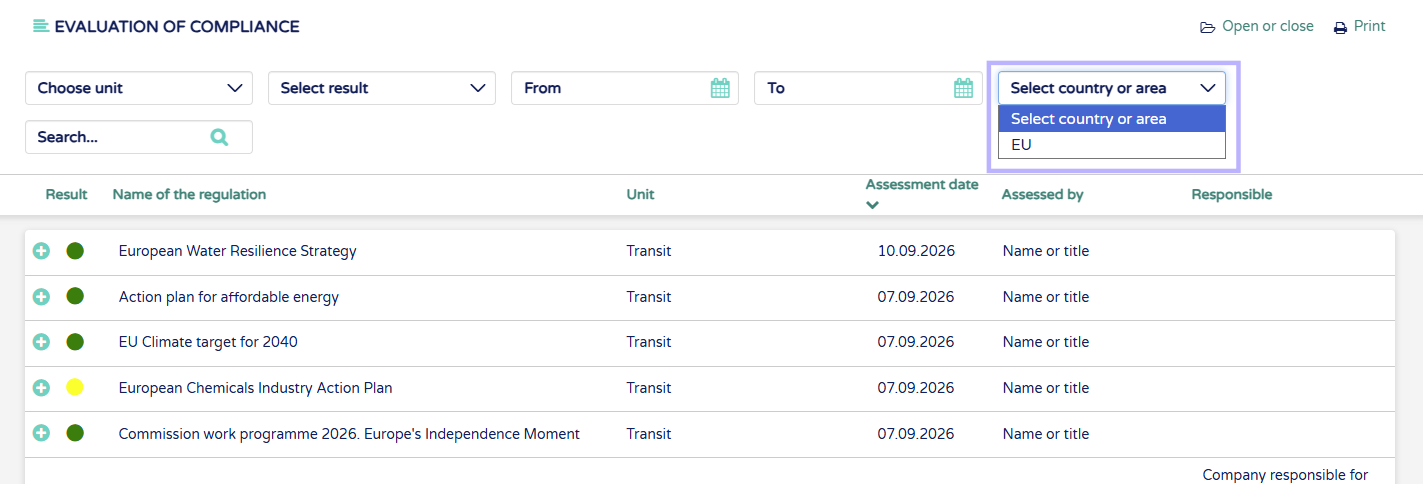
5. Filter by country or area
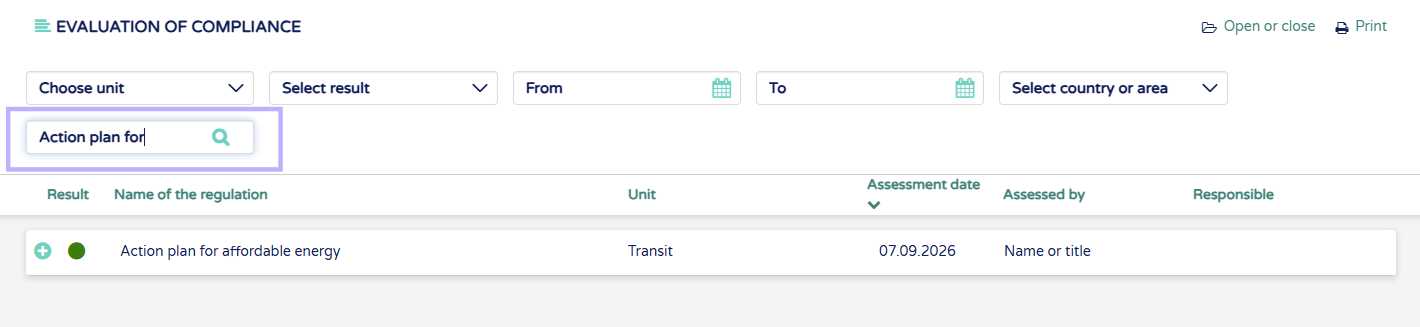
6. Search assessment by regulation name, assesor name or unit responsible
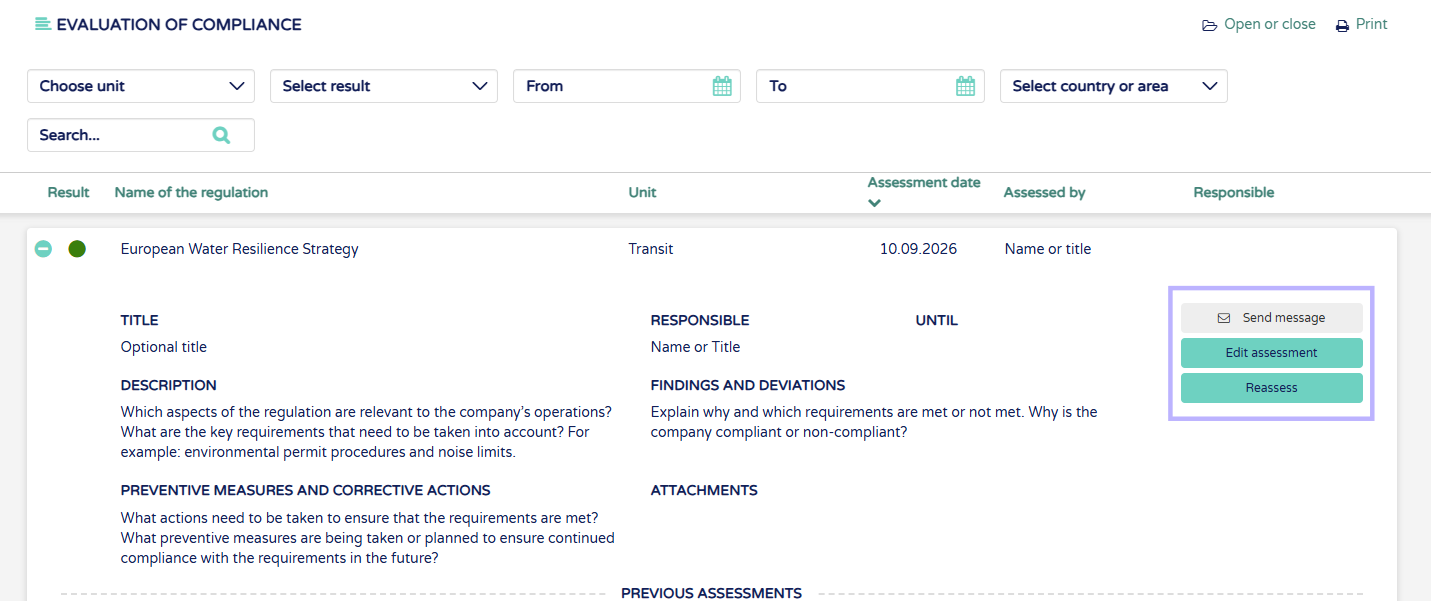
7. From opened assessment:
Send message - Send message to Ecobio Manager or edit the recipient field to send to colleague.
Edit assessment - Edit assessment text fields, to edit assessment result make new assessment
Reassess - Start new assessment