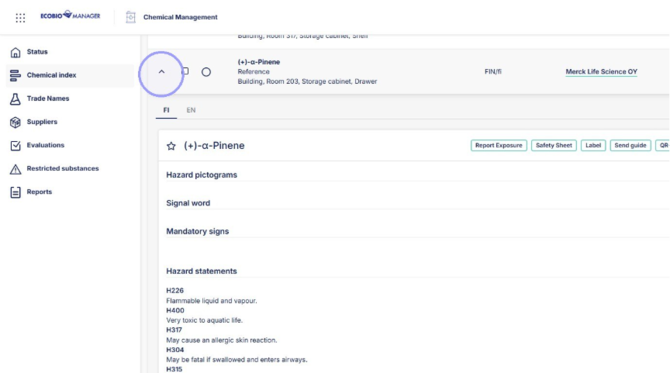
1. Open trade name information from arrow.
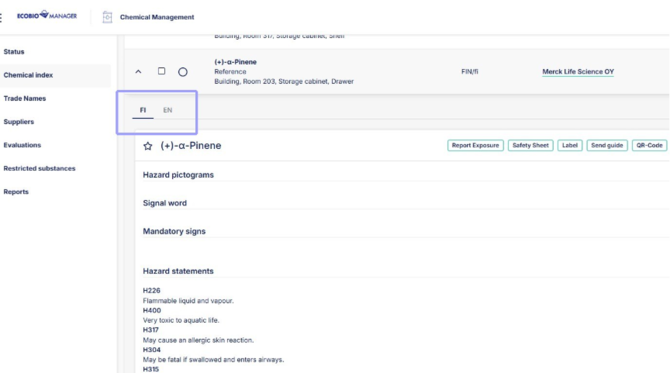
2. You can find the trade name language variants here.
3. Start chemical exposure raport here.
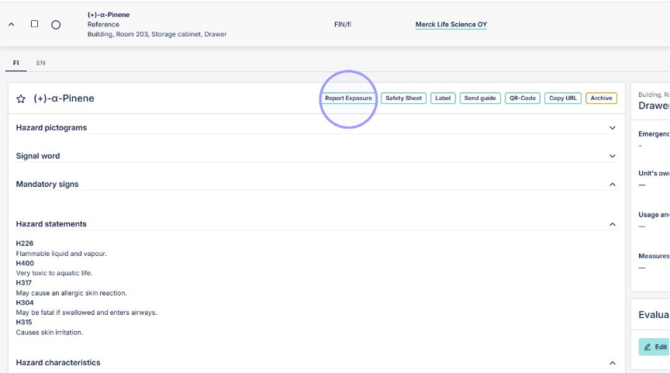
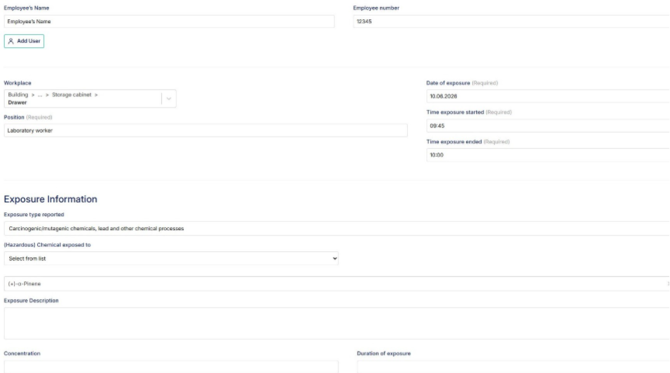
4. Enter all exposure information here and save. You can export chemical exposure registry from "Reports" section.
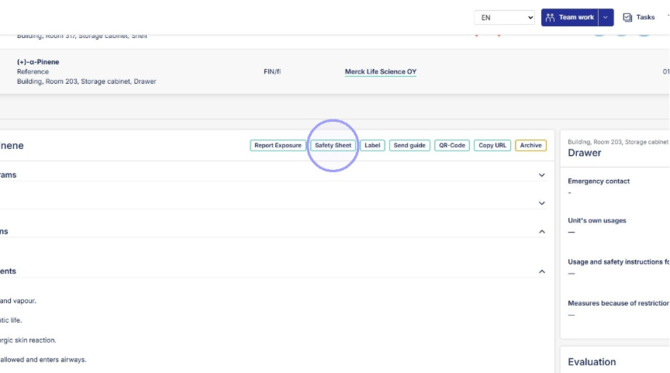
5. Open and print safety sheet here.
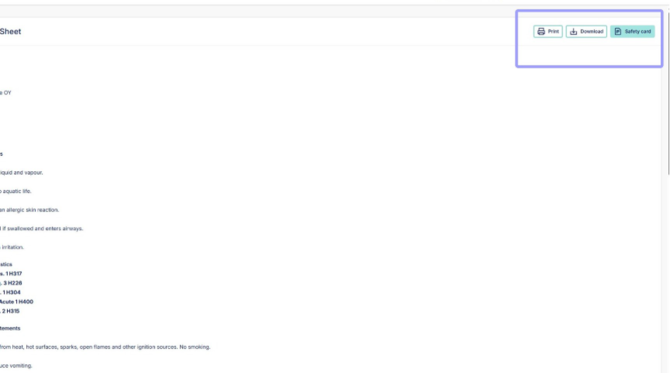
6. Print safety sheet, download safety sheet and open safety card from here.
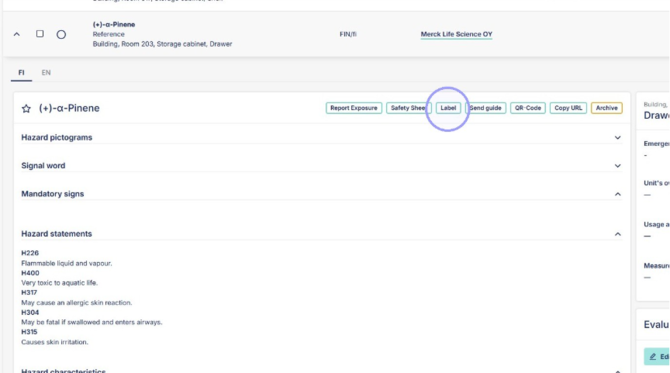
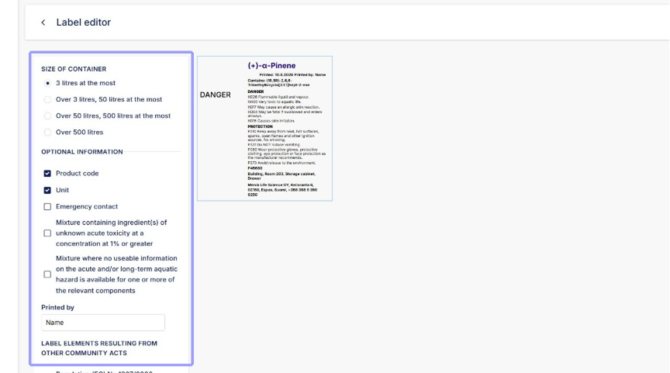
7. Open label printing options form here.
8. Choose lable size and input different optional information for label.
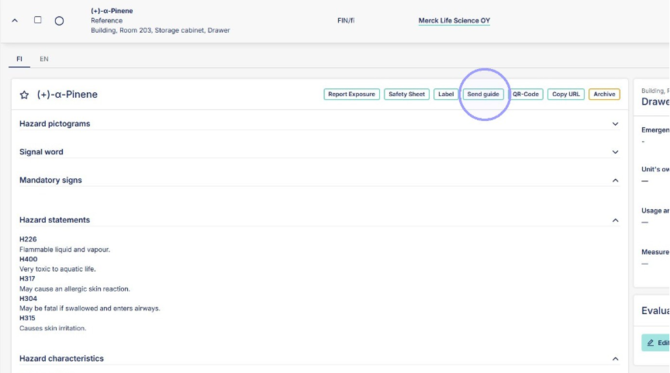
9. Send trade name safety information from here.
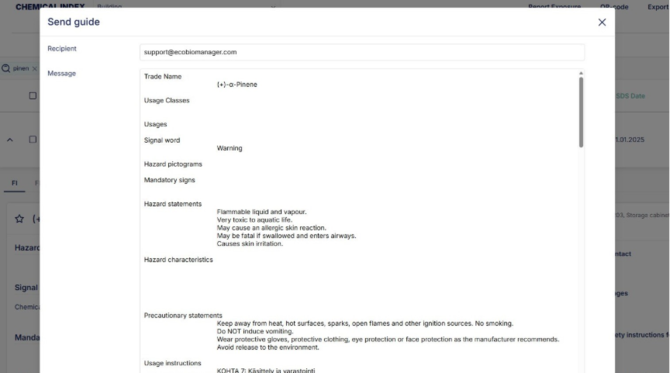
10. Recipient automatically shown as support, but you can edit this field and add multiple collegues by separeting their emails with a comma.
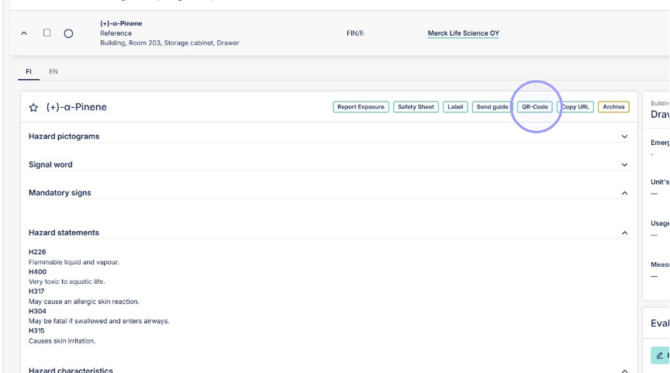
11. Create chemical QR-code from here, which opens directly to chemical safety card without needing to sign in. For list of QR-codes for all chemicals in unit see "QR-code" on the top of the page next to "Export to Excel".
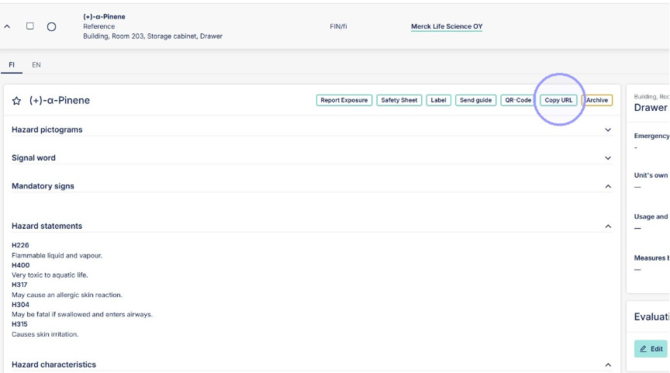
12. Copy trade names URL from here, this requires user to sign in to see trade name.
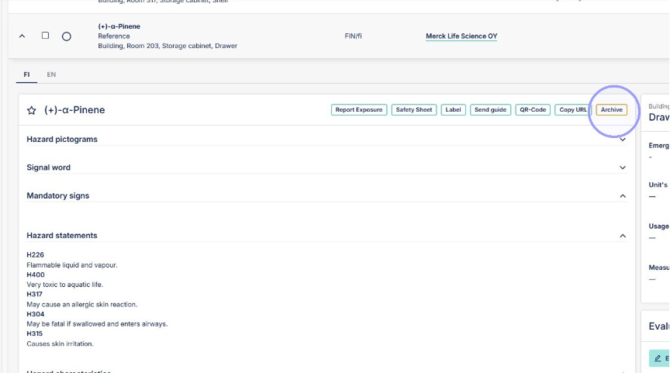
13. Archive trade name from unit, trade name will still be available in Trade names section, where it can be attached to the unit again if needed.