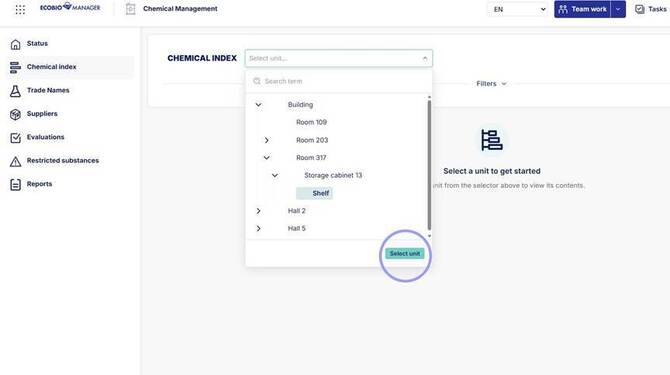
1. Choose unit you want to add trade names to and then click "Select unit". Selected unit must not have units under/inside it for you to add trade names to it.
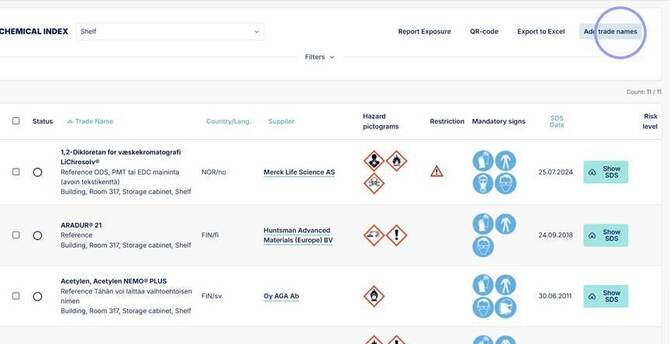
2. With the unit open click "Add trade names". If this button is disabled the unit has other units under/inside it. Choose lowest unit level to continue adding trade names.
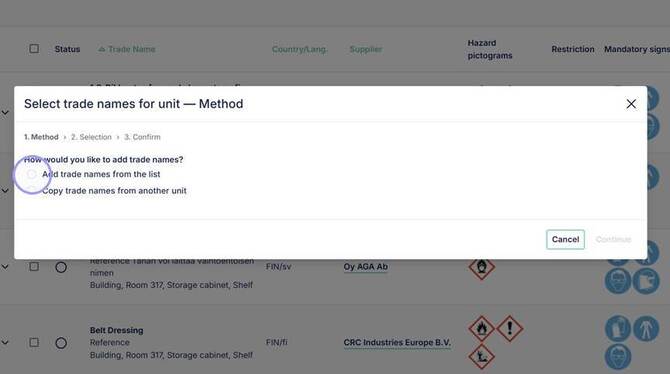
3. Choose "Add trade names from the list" to add trade names from your own Trade name collection. Click continue.
To order new trade names from Ecobio Manager go to trade names section and choose add trade names or Order SDS.
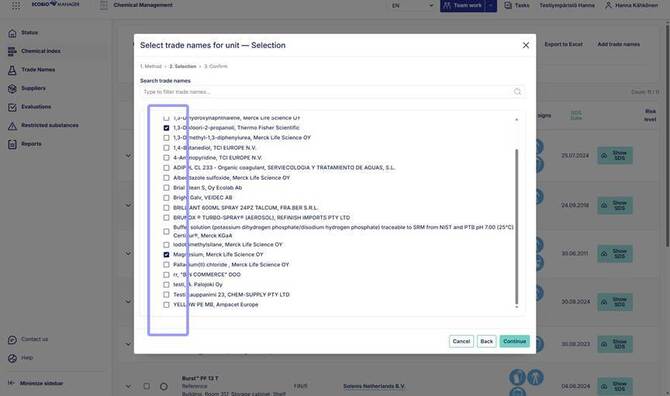
4. From the opening list you can see all trade names in your company's collection. Search and add trade names and click continue.
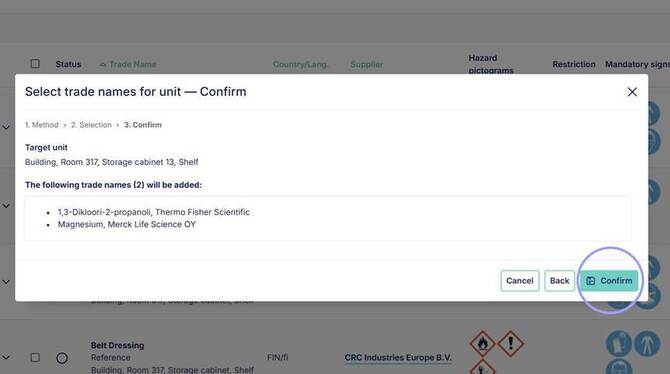
5. Verify trade names that will be added and then click "Confirm". Trade names will now be added to you unit.
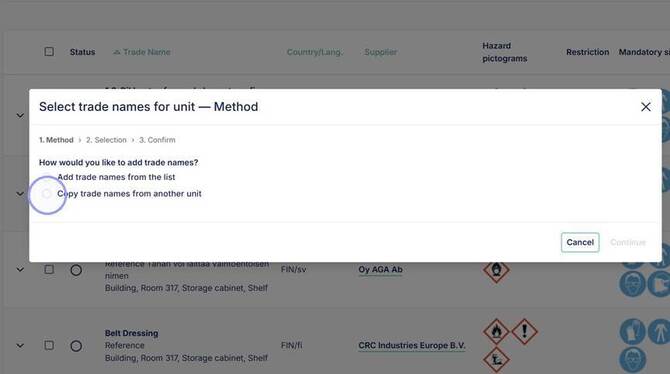
6. To copy trade names from other units use the other option. Click "Copy trade names from another unit" to copy entire trade name collection of a unit.
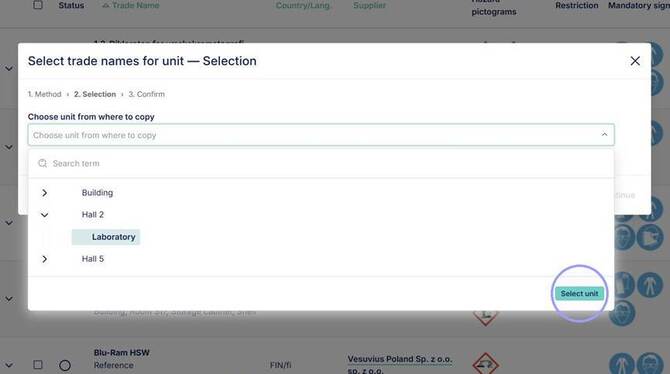
7. Choose unit which you want to copy trade names from. Click "Select unit" and then "continue".
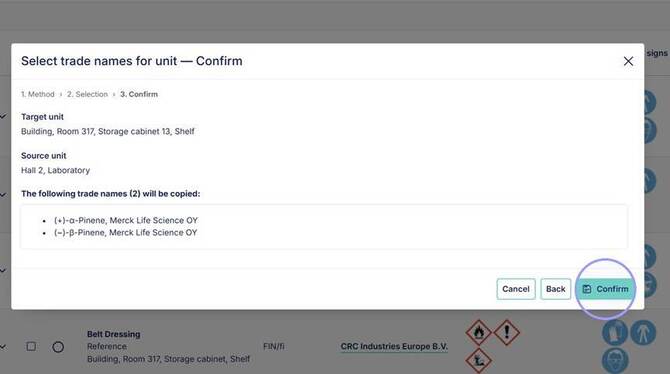
8. Verify trade names to be copied from selected unit then click "Confirm".